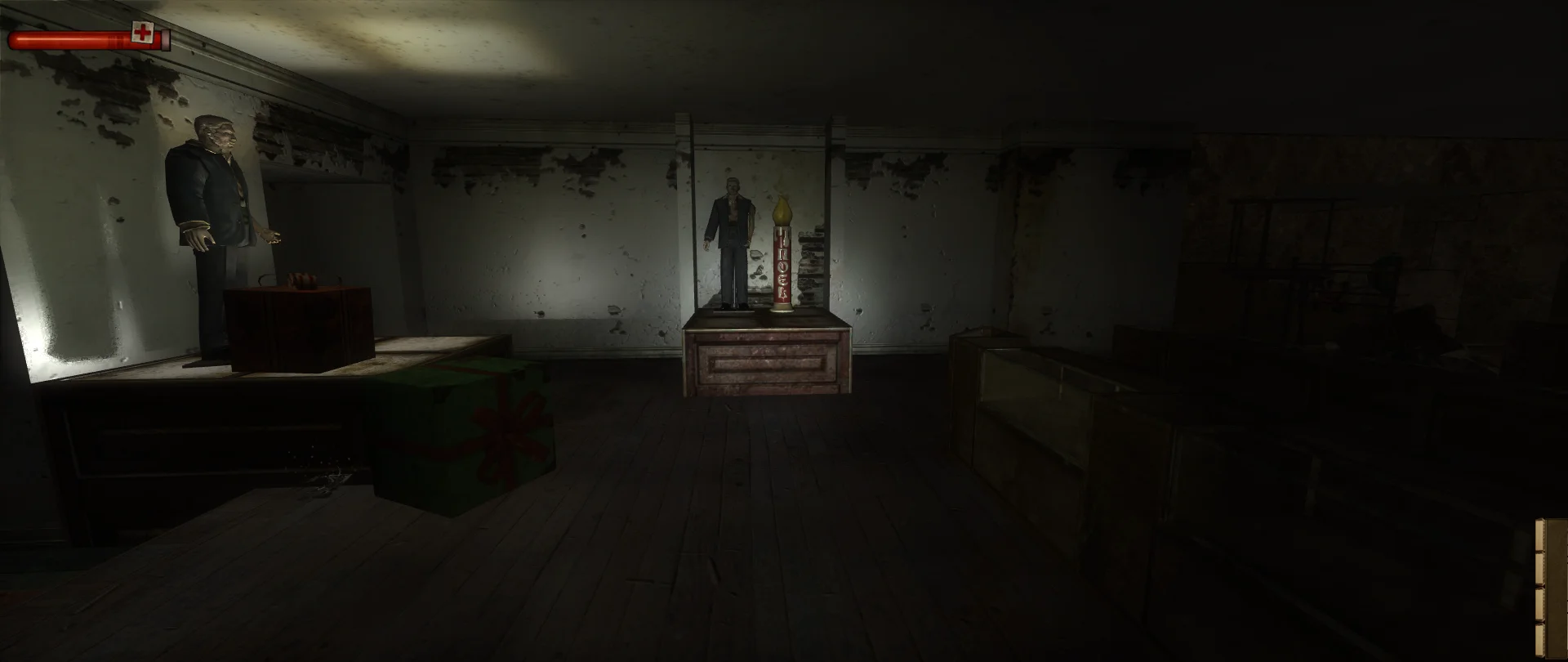
Condemned no longer sinks to 20-30 FPS after a few minutes of play. The picture and HUD fill the screen at any shape, cinematics keep their bars, and controllers get bindings from the start.
The sounds and videos the Steam version is missing.
The sounds and videos missing from the Steam version (e.g. the train at the end of chapter 3), as separate files.
One of a group: switching it on switches the other off
437 MB
Missing Steam files (lite)Compatibility
The sounds and videos the Steam version is missing.
The same without the retail TheDark_4-5-04.bik and FinalCreds.bik videos.
One of a group: switching it on switches the other off
113 MB
Original vs Fusion Fix
Drag to compare.
Features
Fixes
No drop to 20-30 FPS after several minutes
More display resolutions in Config.exe
Saves and settings can go to your own Documents, so no admin rights are needed
Skip the startup logo videos
Display
Picture scales right at any screen shape; menu backgrounds keep their proportions
HUD over the whole screen, or in a centered box
Field of view setting; scripted cameras and the scope keep theirs
Fullscreen, window or borderless, no autoexec.cfg edits
Cinematics
Cutscene borders: letterbox, pillarbox, both or none, with the game's fade or instant
Movies shown whole at their own shape
Controls
Xbox-style controllers through the bundled Xidi, with bindings ready in new profiles
Option to keep playing in the background
Supported versions
The PC version (Condemned.exe and Config.exe), including the Steam version. A separate package restores the sounds and videos missing from the Steam version's files.
Install
Customize the settings below, or keep the recommended ones.
Download the package and unpack it into the game's folder, beside the game executable, keeping its folders.
Start the game. The settings are under Options, Plugins in the main menu or the pause menu.
Fusion Fix is funded by its supporters
The fixes, the presets and every update are open to everyone. Supporters fund the work on new fixes and updates, and get:
Your own settings in the download
Share presets as links
Your name in the credits
Shader Shredders1
Disquse
Stutter Stoppers2
SpinaroXWhatscheiser
Glitch Guardians12
Alexander PolyAKClaude_LibHerkules97MagicAl6244225Mals1Matt SantanaMCMulderlandPCPeter ESeemannTJGM
Water Wreckers11
Bobby GlantondekideletedJoakim WiderbergMr. JockelRyan GreenSandbowlSvelbardThe ClergymanWWilliam Bettridge-Radford