Support

DRIV3R

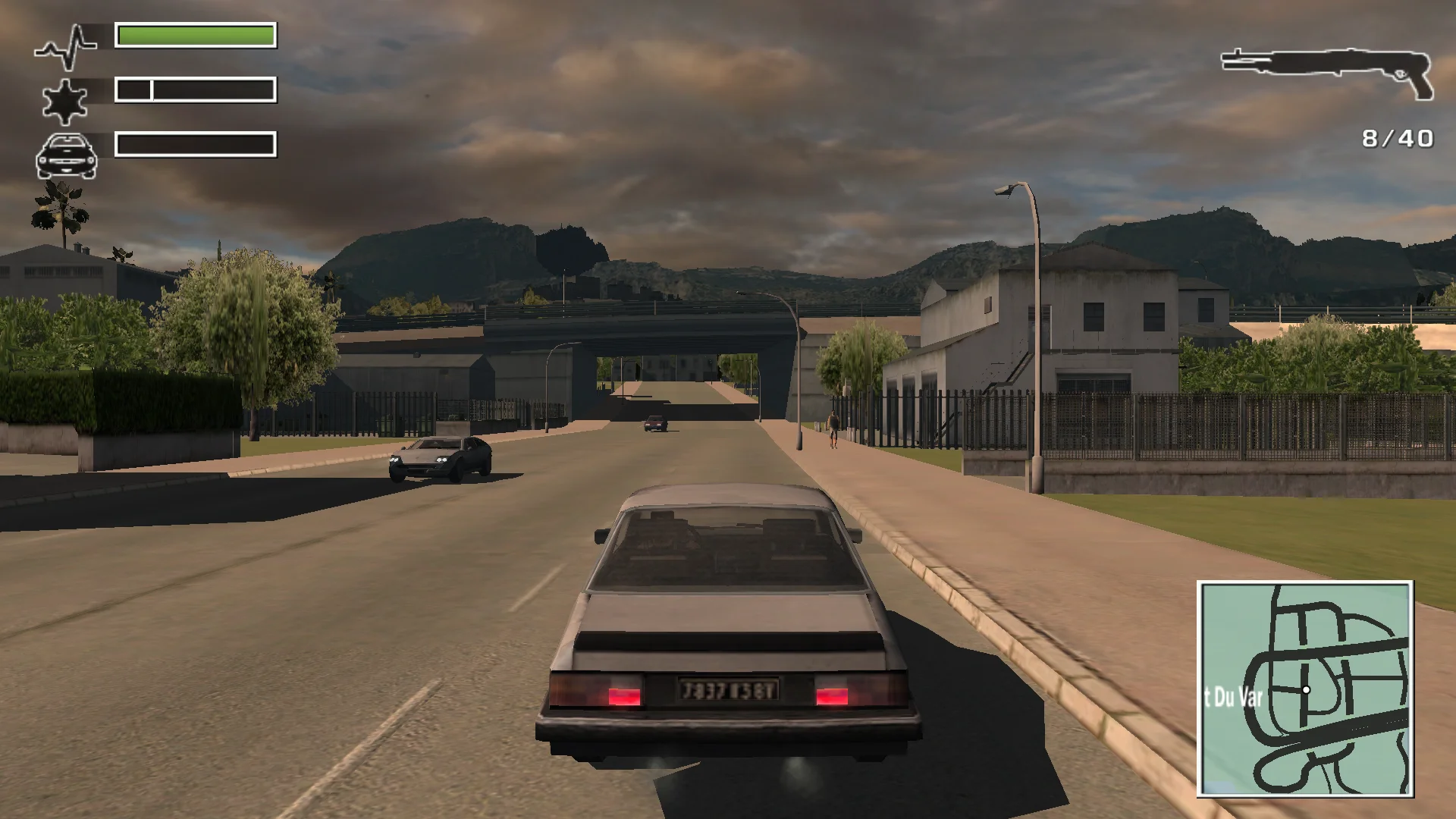
Look around your car with the mouse or right stick, aim on foot without the mouse over-turning Tanner, and use turn signals that blink as you turn. Wide screens get the right field of view with the HUD and radar in place.

Developer build checking…Changelog Source

Loading the settings…

Separate modsNot part of Fusion Fix

Fusion Rain Droplets Visual

Raindrops and splashes of water run down the screen.

Fusion Rain Droplets: rain and water drops running down the screen.

  • Works with Fusion Fix
  • Its own settings in Customize

Tune:Minimum drop sizeMaximum drop sizeMaximum dropsMaximum moving drops+11

2.7 MB · ThirteenAG/FusionRainDroplets · 16 Nov 2022

Original vs Fusion Fix

Drag to compare.

Features

Display

  • Right picture shape and field of view on wide and ultrawide screens
  • HUD, radar and 2D screens placed and sized for the screen, or kept in a centred box
  • Movies shown whole, at their own shape or filling the screen
  • Desktop resolution by default; the list shows each resolution at its highest refresh rate
  • Fullscreen, windowed or borderless

Graphics

  • SMAA anti-aliasing and sharper textures at an angle (anisotropic filtering)
  • Optional higher-contrast console-style gamma
  • Adjustable draw distance

Controls

  • Free camera around the car with the mouse or right stick; it swings back by itself
  • On-foot mouse look no longer turns the player several times for one movement
  • No mouse movement lost between the game's input updates
  • Modern keyboard, mouse and Xbox controller layout
  • Xbox, PlayStation or Nintendo button pictures

Extras

  • Turn signals that come on by themselves when turning, or on keys and bumpers
  • Skip the startup logos; story cinematics still play
  • Settings in the game's Options and Pause menus

Supported versions

  • The PC version with Update 2 (Driv3r.exe)

Install

  1. Customize the settings below, or keep the recommended ones.
  2. Extract the downloaded zip into the game folder, where Driv3r.exe is, keeping its folders. Update 2 is required.
  3. Change the settings later in the game under Options > Plugins, on fusionfix.io or in FusionFixHub.

Fusion Fix is funded by its supporters

The fixes, the presets and every update are open to everyone. Supporters fund the work on new fixes and updates, and get:

  • Your own settings in the download
  • Share presets as links
  • Your name in the credits

Shader Shredders1

Disquse

Stutter Stoppers2

SpinaroXWhatscheiser

Glitch Guardians12

Alexander PolyAKClaude_LibHerkules97MagicAl6244225Mals1Matt SantanaMCMulderlandPCPeter ESeemannTJGM

Water Wreckers11

Bobby GlantondekideletedJoakim WiderbergMr. JockelRyan GreenSandbowlSvelbardThe ClergymanWWilliam Bettridge-Radford

Bug Bashers5

FikanIanLukeMiamiMojoSirLyn

Widescreen Warriors9

AmazeAmrGregorIlya BruLaczekMichal BobušNSA Watchlist BaitPocketReneSchimmelpfennig

All supporters

From $1 a month

The fixes, the presets and shared presets stay open to everyone.