Support

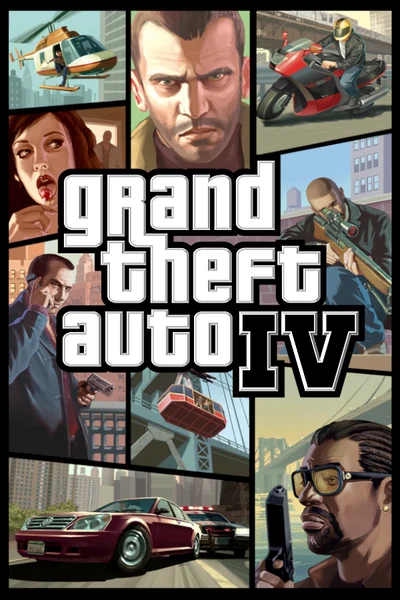
Grand Theft Auto IV: The Complete Edition

Cutscenes, mission scripts and AI work at high frame rates, lighting and shaders look like the console versions again, and loading screens are much faster. Covers IV, The Lost and Damned and The Ballad of Gay Tony.

Developer build checking…Changelog Source

Loading the settings…

Graphics enhancementsPart of the Fusion Fix download · on by default

Smoother edges and a modern renderer Visual

DLAA with NVIDIA DLSS, AMD FSR, Vulkan (DXVK) or DirectX 12 (D3D9On12), picked in the game's settings.

The runtime files the Anti-aliasing and Graphics API settings of Fusion Fix use: official releases, checked against their hashes.

  • Without a file, the game's menu doesn't offer what needs it
101 MB in all

Add-onsOptional files of Fusion Fix

Legacy Addon Compatibility

Not for the Complete Edition.

Only for the old game versions 1.0.7.0 and 1.0.8.0. Steam and Rockstar Games Launcher copies are the Complete Edition: leave it off.

3.8 MB

Separate modsNot part of Fusion Fix

Project2DFX Visual

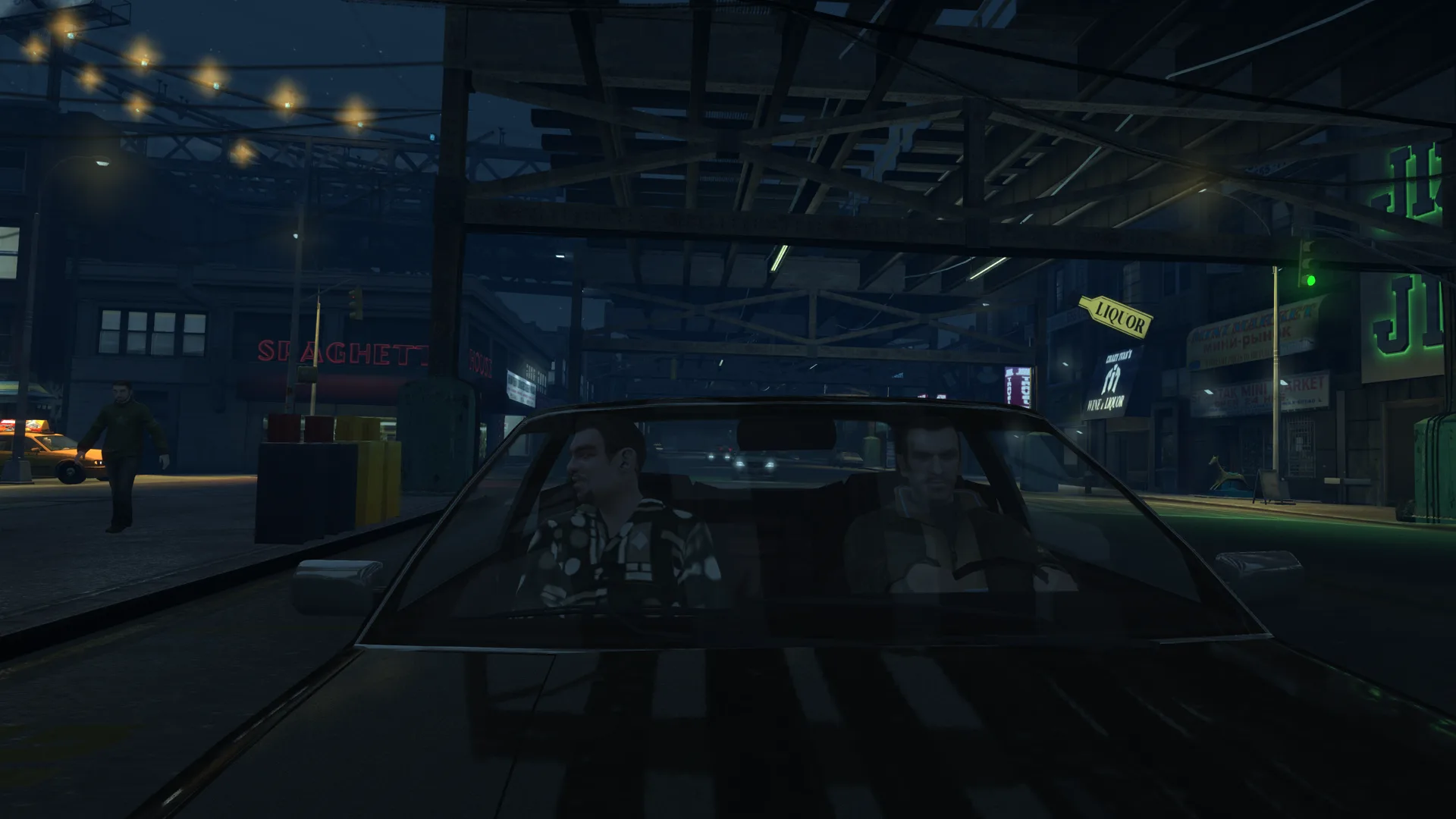
Street lamps and lights glow far across the map at night.

Project2DFX: the LOD corona effect, so distant street lamps and lights glow across the map.

  • Works with Fusion Fix
  • Its own settings in Customize

Tune:Distant LightsLight SizeLight BrightnessGrow With Distance+2

2.9 MB · ThirteenAG/III.VC.SA.IV.Project2DFX · 13 Apr 2015

Fusion Rain Droplets Visual

Raindrops and splashes of water run down the screen.

Rain droplets effect on the screen.

  • Works with Fusion Fix
  • Its own settings in Customize

Tune:Minimum drop sizeMaximum drop sizeMaximum dropsMaximum moving drops+11

2.6 MB · ThirteenAG/FusionRainDroplets · 24 Oct 2022

Original vs Fusion Fix

Drag to compare.

Features

High frame rates

  • Cutscene animations stay in sync with their audio at any frame rate
  • No endless loading screen around cutscenes from slow script timers
  • Cops and other peds no longer sit in cover doing nothing above 30 FPS
  • Camera shake works the same at any frame rate
  • Frame rate limiter in the menu

Console look

  • Console gamma, auto exposure and the consoles' soft Definition look
  • Console timecycles, lamppost coronas, rain density and reflection strength restored
  • Tree lighting and transparency as on PC, improved PC or console
  • Separate motion blur and depth of field controls
  • Colour filters of the main game and the episodes

Graphics

  • Reworked shaders that fix long-standing lighting, shadow and reflection bugs
  • Volumetric fog, sun shafts, extended sunlight reach and ambient occlusion
  • Sharp, soft or contact-hardening shadows, tree shadows and night shadows for cars
  • Much less pop-in on high settings
  • Anti-aliasing: FXAA, SMAA, TAA, and DLAA or FSR on Vulkan or DirectX 12
  • HDR output on Vulkan or DirectX 12
  • Graphics API: DirectX 9, Vulkan (DXVK) or DirectX 12 (D3D9On12)

Game and controls

  • Skip the intro and the main menu; windowed and borderless modes
  • Always run, move while zoomed, aim sniper rifles without the scope
  • Optional centered vehicle and on-foot cameras
  • Turn indicators, instant taxi stop, automatic ladder climbing
  • Gamepad icons: Xbox 360/One, PlayStation 3/4/5, Switch, Steam Deck
  • Separate mouse and pad sensitivities for looking and aiming

Fixes

  • Recoil is the same with mouse and gamepad
  • Aiming zoom in The Ballad of Gay Tony, DLC car lights
  • Crashes in The Lost and Damned (phone keypad, Marta Full of Grace)
  • Traffic of only taxis, wrong video memory detection, draw distance sliders ignored at start
  • Much faster loading screens
  • Many mission, script, voice line, model and animation bugs fixed

Supported versions

  • The Complete Edition (Steam, Rockstar Games Launcher): fully supported.
  • The older 1.0.7.0 and 1.0.8.0 versions with the Legacy Addon (an option of the download below).
  • Single player only; multiplayer isn't supported. Copies that aren't legal aren't supported.

Get the game: Steam · Rockstar Games Launcher

Install

  1. Customize the settings below, or keep the recommended ones.
  2. Download the package and unpack it into the game's folder, where GTAIV.exe is, keeping its folders.
  3. Start the game. Every setting can be changed later in the game's menu (Fusion Fix's options) or in the settings file.
Linux (Proton / Wine)
  1. In Steam, open the game's Properties and set Launch Options to:
    WINEDLLOVERRIDES="dinput8=n,b" %command%
  2. Install d3dx9_43 with Protontricks:
    protontricks 12210 d3dx9_43

Fusion Fix is funded by its supporters

The fixes, the presets and every update are open to everyone. Supporters fund the work on new fixes and updates, and get:

  • Your own settings in the download
  • Share presets as links
  • Your name in the credits

Shader Shredders1

Disquse

Stutter Stoppers2

SpinaroXWhatscheiser

Glitch Guardians12

Alexander PolyAKClaude_LibHerkules97MagicAl6244225Mals1Matt SantanaMCMulderlandPCPeter ESeemannTJGM

Water Wreckers11

Bobby GlantondekideletedJoakim WiderbergMr. JockelRyan GreenSandbowlSvelbardThe ClergymanWWilliam Bettridge-Radford

Bug Bashers5

FikanIanLukeMiamiMojoSirLyn

Widescreen Warriors9

AmazeAmrGregorIlya BruLaczekMichal BobušNSA Watchlist BaitPocketReneSchimmelpfennig

All supporters

From $1 a month

The fixes, the presets and shared presets stay open to everyone.