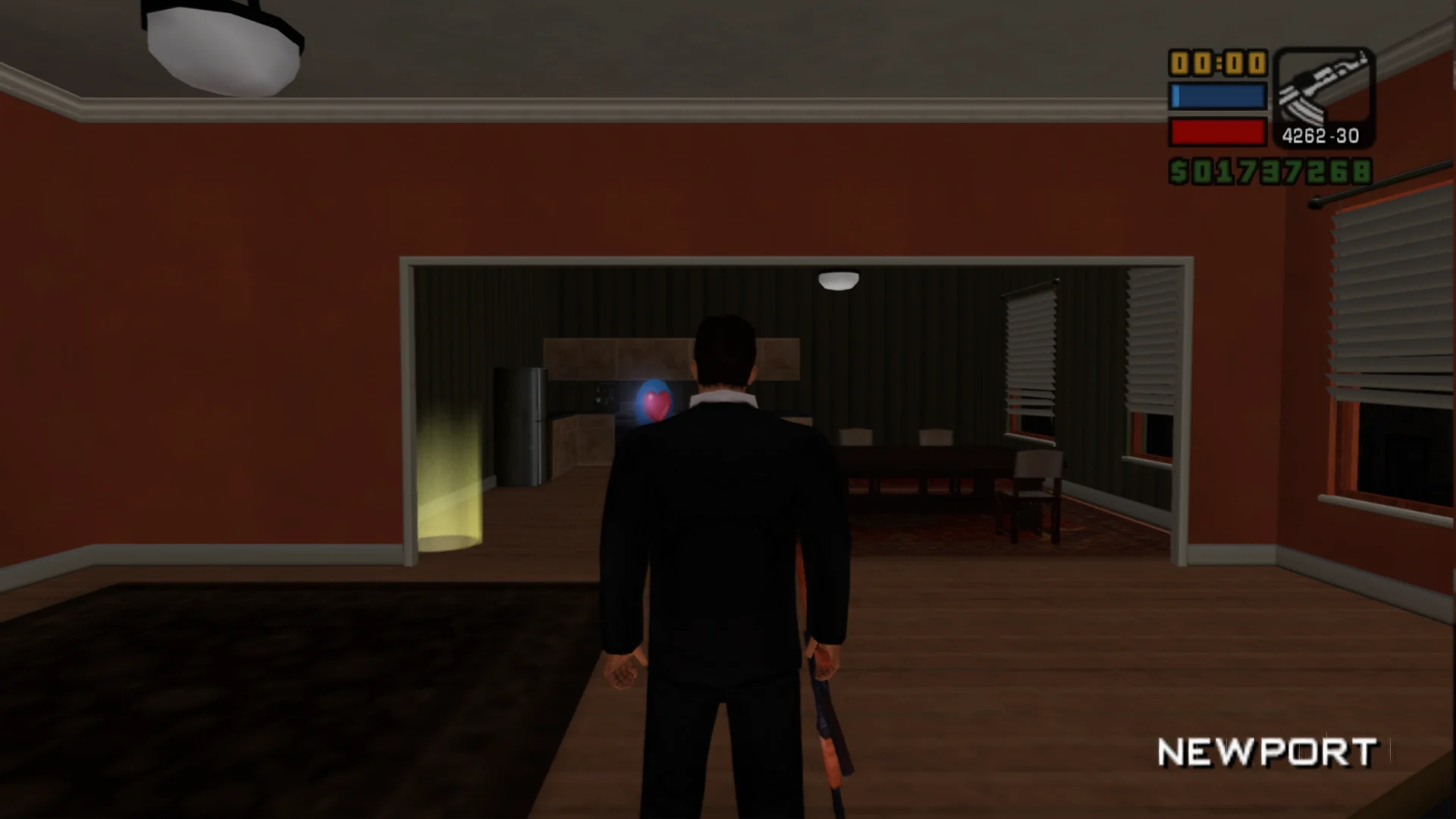
Play the PS2 Liberty City Stories in PCSX2F with rebindable keyboard and mouse controls, headlights and brake lights that actually light up, a picture and HUD fitted to wide screens, and an optional 60 FPS.
Picture follows the emulator's window or aspect ratio without stretching
Field of view setting that leaves cutscenes alone
HUD at the screen edges, with size and centered box options
Menus and map keep their 4:3 shape
Cutscenes keep their 16:9 framing with sliding bars
Graphics
Headlights, tail, brake and reverse lights light up on cars and bikes
Aiming reticle and light glows stay round
Blur can be turned off
Controls
Mouse camera and aiming with rebindable keys
Key names in help text and menu footers
Controller keeps working next to keyboard and mouse
Xbox or Nintendo button icons
Extras
60 FPS option; the game runs at 30 by default
Faster loading screens
Skip the logo movies at startup
Supported versions
Grand Theft Auto: Liberty City Stories for PlayStation 2, serial SLUS-21423 (CRC 7EA439F5), in the PCSX2F emulator.
Install
Customize the settings below, or keep the recommended ones.
Download the package and unpack it into the emulator's folder (PCSX2F), keeping its PLUGINS folder. Set the emulator's aspect ratio or window size, then start the game.
The settings are in the game's Display menu under Plugins, on fusionfix.io or in FusionFixHub.
Fusion Fix is funded by its supporters
The fixes, the presets and every update are open to everyone. Supporters fund the work on new fixes and updates, and get:
Your own settings in the download
Share presets as links
Your name in the credits
Shader Shredders1
Disquse
Stutter Stoppers2
SpinaroXWhatscheiser
Glitch Guardians12
Alexander PolyAKClaude_LibHerkules97MagicAl6244225Mals1Matt SantanaMCMulderlandPCPeter ESeemannTJGM
Water Wreckers11
Bobby GlantondekideletedJoakim WiderbergMr. JockelRyan GreenSandbowlSvelbardThe ClergymanWWilliam Bettridge-Radford