Support

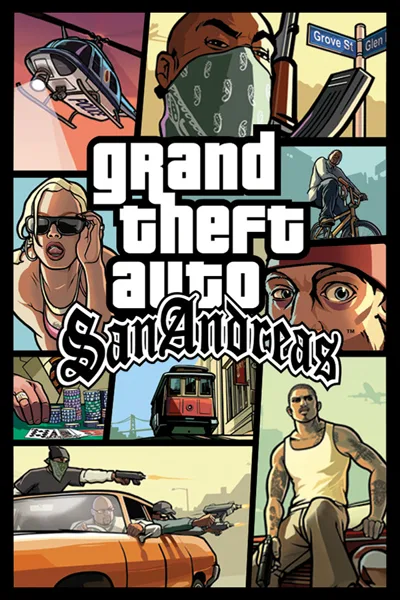
Grand Theft Auto: San Andreas

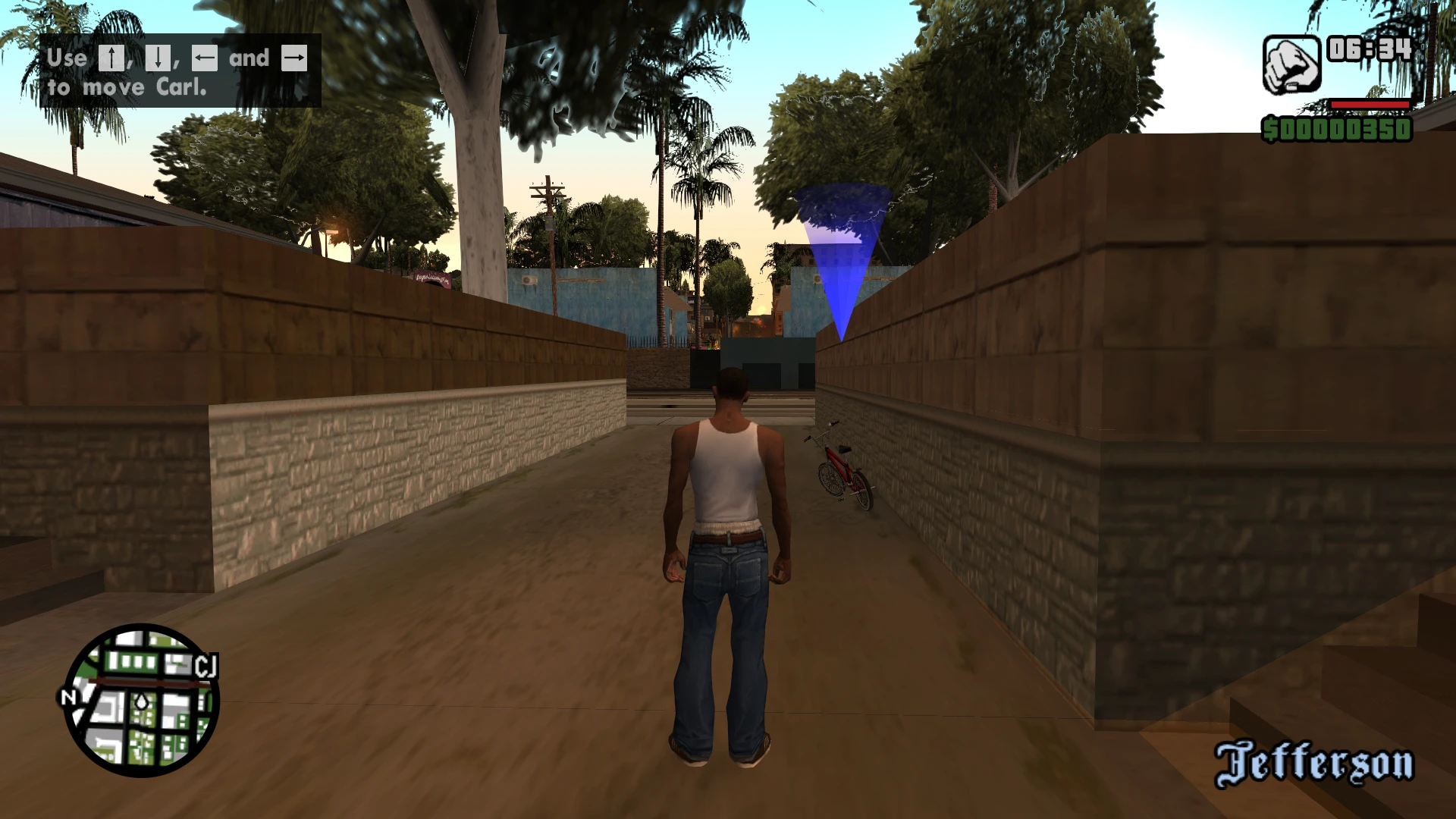
The picture, HUD, radar and map fit any screen shape. Above 30 FPS, mission countdowns, HUD flashing and scripted gates keep the game's speed, and controllers work in game and in the menus out of the box.

Developer build checking…Changelog Source

Loading the settings…

Add-onsOptional files of Fusion Fix

Widescreen Frontend Visual

Menus and loading screens in widescreen.

Widescreen textures for menu backgrounds and loading screens. The fix displays them at their intended aspect ratio.
15 MB

Separate modsNot part of Fusion Fix

Windowed Mode Convenience

Play in a window or a borderless window.

Runs the game in a window or a borderless window at desktop size, with Alt+Enter switching, DPI awareness and cursor confinement.

  • Works with Fusion Fix
  • Its own settings in Customize

Tune:Window ModeConfine CursorPause on Focus LossResume on Focus+5

2.5 MB · ThirteenAG/III.VC.SA.WindowedMode · 9 Nov 2026

Save Loader Convenience

The game starts in your latest save.

Loads the most recent save when the game starts (hold Shift to go to the menu instead), optionally skipping intro and loading screens.

  • Works with Fusion Fix
  • Its own settings in Customize

Tune:Load at StartSkip Loading ScreensSkip Exit ScreenUser Files Folder

2.3 MB · ThirteenAG/III.VC.SA.SaveLoader · 24 Oct 2026

Project2DFX Visual

Street lamps and lights glow far across the map at night.

Project2DFX: the LOD corona effect, so distant street lamps and lights glow across the map.

  • Works with Fusion Fix
  • Its own settings in Customize

Tune:View Distance (m)Draw DistanceDetail DistanceShadow Distance+5

3.8 MB · ThirteenAG/III.VC.SA.IV.Project2DFX · 13 Apr 2015

Fusion Rain Droplets Visual

Raindrops and splashes of water run down the screen.

Fusion Rain Droplets: rain and water drops running down the screen.

  • Works with Fusion Fix
  • Its own settings in Customize

Tune:Minimum drop sizeMaximum drop sizeMaximum dropsMaximum moving drops+11

2.5 MB · ThirteenAG/FusionRainDroplets · 24 Sept 2026

Original vs Fusion Fix

Drag to compare.

Features

Display

  • Every resolution in Advanced Display Options, ultrawide included
  • HUD, radar, subtitles and weapon icon keep their shape, with adjustable size
  • The sky no longer distorts on wide screens
  • Cutscene view and borders follow the screen shape; the borders can slide in and out
  • Optional full-screen map in the pause menu
  • Intro videos shown whole, in their 4:3 frame or filling the screen

Above 30 FPS

  • Mission countdowns, script timers and stats keep time
  • HUD flashing and the upside-down car fire happen on time
  • Storm lightning strikes as often as at 30 FPS
  • Scripted gates, doors and lifts move at the right speed, and spinning cars and objects slow down normally

Controls

  • Xbox and other XInput controllers in game and in the menus, with vibration
  • Optional Definitive Edition layout: aim with LT while you move and shoot
  • Mouse movement read directly, with the game's sensitivity kept
  • Button prompts show the pad or the keys you used last

Graphics

  • Console gamma: deeper contrast, like GTA IV on the Xbox 360
  • SMAA anti-aliasing
  • No more 1-pixel lines at the screen edges with MSAA
  • Blurred game behind the pause menu
  • Text outline instead of text shadow
  • Optional: no speed blur in fast vehicles

Extras

  • Field of view slider for the gameplay cameras
  • Skip the logo videos and title screens
  • Vice City Stories-style camera shake in fast vehicles
  • Option to hide the white crosshair dot
  • Keeps running in the background in windowed mode, if you want

Supported versions

  • The PC version (gta_sa.exe or gta-sa.exe). SilentPatch is strongly recommended alongside the fix.

Get the game: Steam

Install

  1. Customize the settings below, or keep the recommended ones.
  2. Download the package and unpack it into the game's folder, where gta-sa.exe is, keeping its folders.
  3. Start the game. The settings are in Options > Display Setup and Options > Plugins, on fusionfix.io or in FusionFixHub.

Fusion Fix is funded by its supporters

The fixes, the presets and every update are open to everyone. Supporters fund the work on new fixes and updates, and get:

  • Your own settings in the download
  • Share presets as links
  • Your name in the credits

Shader Shredders1

Disquse

Stutter Stoppers2

SpinaroXWhatscheiser

Glitch Guardians12

Alexander PolyAKClaude_LibHerkules97MagicAl6244225Mals1Matt SantanaMCMulderlandPCPeter ESeemannTJGM

Water Wreckers11

Bobby GlantondekideletedJoakim WiderbergMr. JockelRyan GreenSandbowlSvelbardThe ClergymanWWilliam Bettridge-Radford

Bug Bashers5

FikanIanLukeMiamiMojoSirLyn

Widescreen Warriors9

AmazeAmrGregorIlya BruLaczekMichal BobušNSA Watchlist BaitPocketReneSchimmelpfennig

All supporters

From $1 a month

The fixes, the presets and shared presets stay open to everyone.