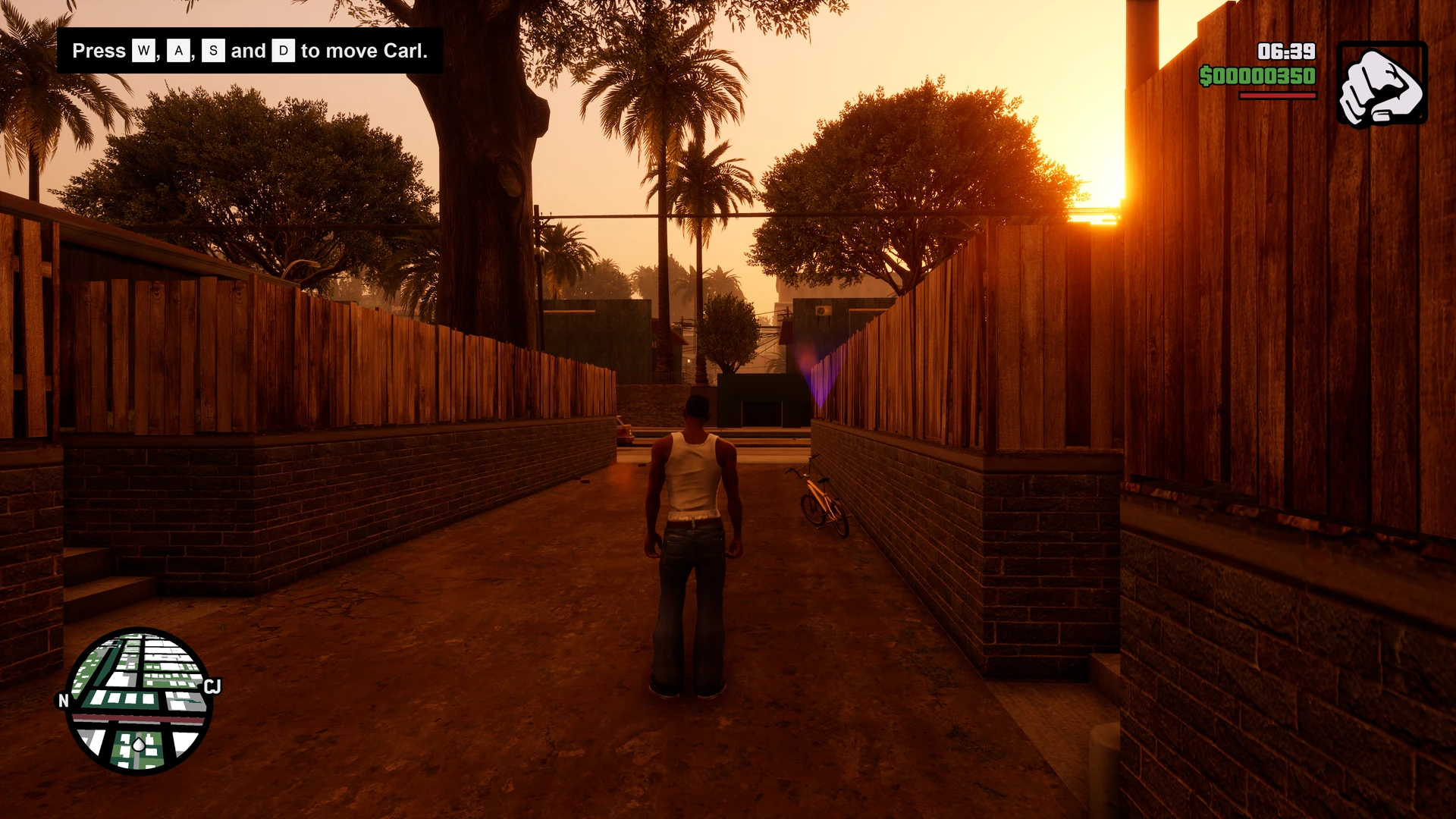
Grand Theft Auto: San Andreas: The Definitive Edition
Brings back San Andreas' PS2 colours and weather and the original camera and mouse feel, adds F5 quicksave, and fixes a crash with full-map streaming and car sounds that used up the game's sound slots.
Original weather colours and adjustable filter strength
Classic object LODs kept loaded (uses more memory)
Camera and controls
Original San Andreas camera distances and car zooms
Mouse camera without the speed-dependent boost; aim sensitivity follows the field of view
Raw mouse input and a camera centering delay
Field of view multiplier; cutscenes and zoom keep theirs
Interface
HUD at the screen edges or in a centered box
HUD and radar size
Fixes and extras
F5 quicksave to a chosen slot
Skip the legal screens, or go straight into your save
Crash when the whole map streams in fixed
Rain on cars at high frame rates and stuck engine sounds no longer use up the sound slots
Supported versions
Grand Theft Auto: San Andreas - The Definitive Edition for PC (SanAndreas.exe in Gameface/Binaries/Win64). A game version the fix doesn't know starts without the fix and shows a message.
Install
Customize the settings below, or keep the recommended ones.
Download the package and unpack it into the game's folder, keeping its folders, then start SanAndreas.exe.
The fix has no in-game page. Change the settings on fusionfix.io or in FusionFixHub, also while the game runs.
Fusion Fix is funded by its supporters
The fixes, the presets and every update are open to everyone. Supporters fund the work on new fixes and updates, and get:
Your own settings in the download
Share presets as links
Your name in the credits
Shader Shredders1
Disquse
Stutter Stoppers2
SpinaroXWhatscheiser
Glitch Guardians12
Alexander PolyAKClaude_LibHerkules97MagicAl6244225Mals1Matt SantanaMCMulderlandPCPeter ESeemannTJGM
Water Wreckers11
Bobby GlantondekideletedJoakim WiderbergMr. JockelRyan GreenSandbowlSvelbardThe ClergymanWWilliam Bettridge-Radford