Support

Grand Theft Auto: Vice City Stories

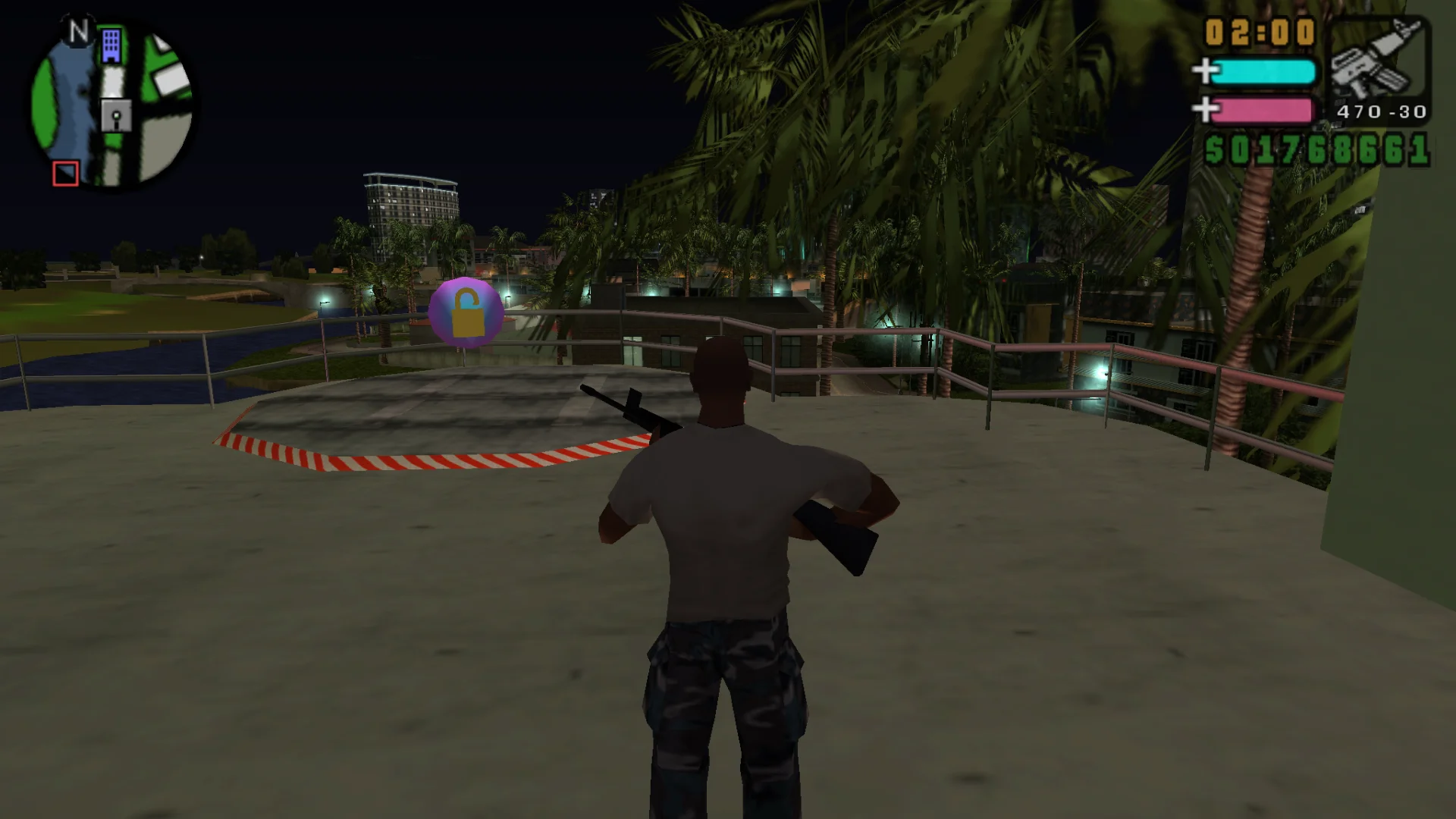
Vice City Stories on PPSSPP gets a right-stick camera and aim, a 60 FPS option that adjusts frame-based mission timers, lit vehicle lights, and fixes for vanishing garage cars and the Little Willie camera.

Developer build checking…Changelog Source

Loading the settings…

Separate modsNot part of Fusion Fix

Project2DFX Visual

Street lamps and lights glow far across the map at night.

Project2DFX: the LOD corona effect, so distant street lamps and lights glow across the map.

  • Works with Fusion Fix
101 KB · ThirteenAG/WidescreenFixesPack · 13 Dec 2021

Fusion Rain Droplets Visual

Raindrops and splashes of water run down the screen.

Fusion Rain Droplets: rain and water drops running down the screen.

  • Works with Fusion Fix
  • Its own settings in Customize

Tune:Minimum drop sizeMaximum drop sizeMaximum dropsMaximum moving drops+11

9.0 MB · ThirteenAG/FusionRainDroplets · 11 Jul 2023

Original vs Fusion Fix

Drag to compare.

Features

Fixes

  • Saved cars no longer disappear from garages
  • Little Willie helicopter camera distance corrected
  • Menu artwork and logo videos keep their proportions

Display

  • Widescreen that follows the display shape set in PPSSPP
  • Field of view setting that leaves cutscenes alone
  • HUD, radar and multiplayer radar sizes adjusted separately
  • HUD at the screen edges, or in a centered box
  • Cutscene borders: off, letterbox, pillarbox or both

Controls

  • Right-stick camera and aim
  • Modern control scheme for driving
  • Button icons for Xbox, PlayStation, Switch, Steam Deck or the original PSP
  • Keyboard cheat codes like the PC games

Extras

  • 60 FPS option, with frame-based mission timers adjusted
  • Lit headlights, tail, brake and reverse lights on vehicles
  • Faster loading and skip intro

Supported versions

  • Grand Theft Auto: Vice City Stories for PSP, the US and EU versions, in PPSSPP. The controller icon sets replace the US version's artwork; other versions keep the original icons.

Install

  1. Customize the settings below, or keep the recommended ones.
  2. Download the package and unpack it into the folder that contains PPSSPP's memstick folder, keeping its folders, then start the game in PPSSPP.
  3. The settings are in the game's Display menu under Plugins, on fusionfix.io or in FusionFixHub.

Fusion Fix is funded by its supporters

The fixes, the presets and every update are open to everyone. Supporters fund the work on new fixes and updates, and get:

  • Your own settings in the download
  • Share presets as links
  • Your name in the credits

Shader Shredders1

Disquse

Stutter Stoppers2

SpinaroXWhatscheiser

Glitch Guardians12

Alexander PolyAKClaude_LibHerkules97MagicAl6244225Mals1Matt SantanaMCMulderlandPCPeter ESeemannTJGM

Water Wreckers11

Bobby GlantondekideletedJoakim WiderbergMr. JockelRyan GreenSandbowlSvelbardThe ClergymanWWilliam Bettridge-Radford

Bug Bashers5

FikanIanLukeMiamiMojoSirLyn

Widescreen Warriors9

AmazeAmrGregorIlya BruLaczekMichal BobušNSA Watchlist BaitPocketReneSchimmelpfennig

All supporters

From $1 a month

The fixes, the presets and shared presets stay open to everyone.