

Just Cause
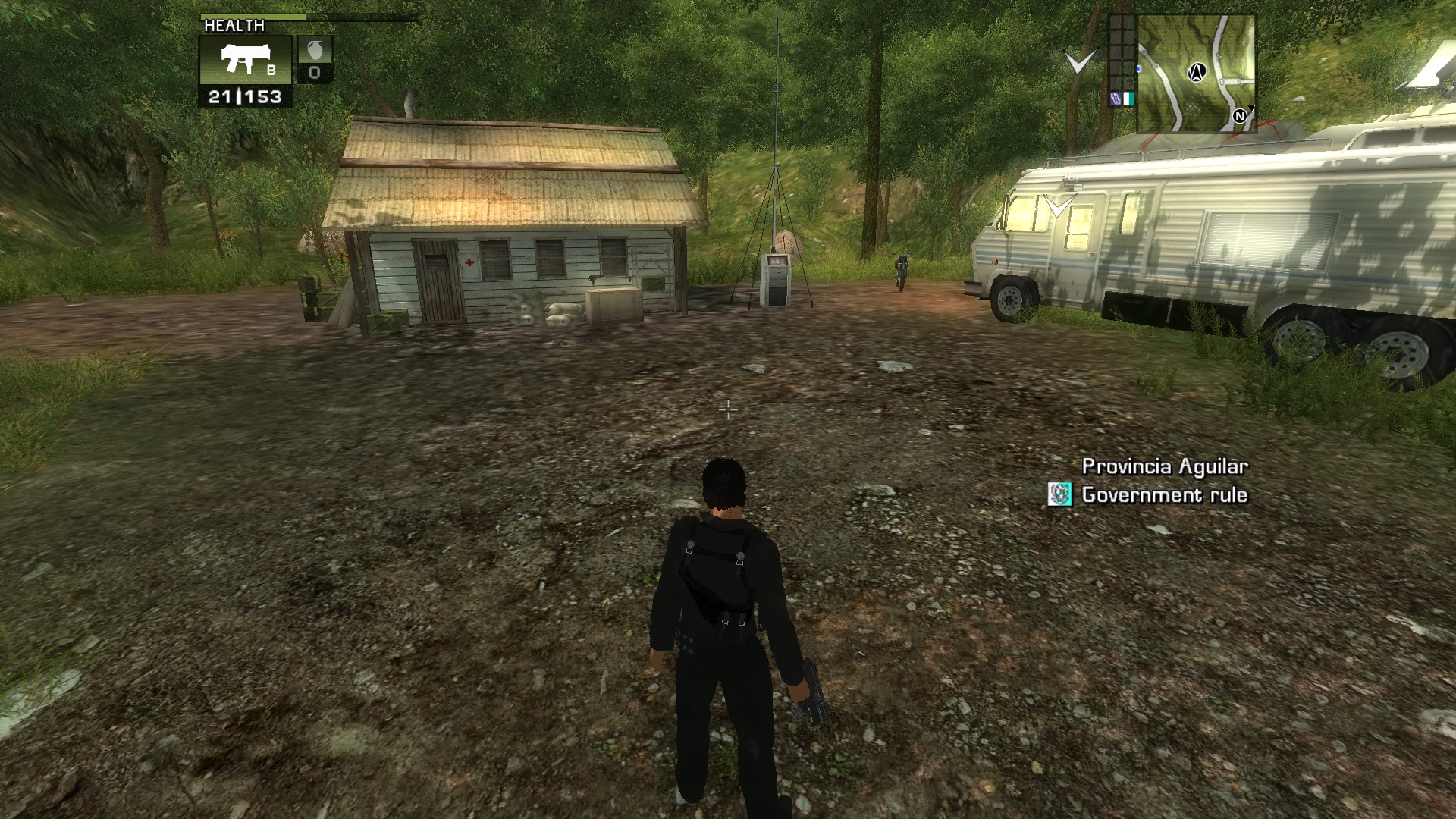
On wide screens the health bar, weapons and minimap move to the edges, menus, cutscenes and story videos keep their shape, and the view can be widened. Window modes and a logo skip included.
Loading the settings…
Still loading? Download the fix without changes, or reload the page.
Original vs Fusion Fix
Drag to compare.
Features
Display
- Health bar and weapon selector at the left edge, minimap and meter at the right
- Or keep the HUD in a centred area of the shape you choose
- Field of view multiplier, up to 150 degrees across
- Cutscenes in their original framing, or filling the screen
- Story videos always shown whole
Window
- Fullscreen, an exact-size window or borderless
- Can keep running while another window is active
- Cursor stays inside the window while playing
Extras
- Skip the Avalanche and Eidos logo videos
- Controller support through the bundled Xidi
- Frame rate limit, 60 FPS by default
Install
- Customize the settings below, or keep the recommended ones.
- Download the package and unpack it into the game's folder, where JustCause.exe is, keeping its folders.
- The game has no settings page of its own for the fix. The settings are on fusionfix.io or in FusionFixHub.
Fusion Fix is funded by its supporters
The fixes, the presets and every update are open to everyone. Supporters fund the work on new fixes and updates, and get:
- Your own settings in the download
- Share presets as links
- Your name in the credits
Shader Shredders1
Disquse
Stutter Stoppers2
SpinaroXWhatscheiser
Glitch Guardians12
Alexander PolyAKClaude_LibHerkules97MagicAl6244225Mals1Matt SantanaMCMulderlandPCPeter ESeemannTJGM
Water Wreckers11
Bobby GlantondekideletedJoakim WiderbergMr. JockelRyan GreenSandbowlSvelbardThe ClergymanWWilliam Bettridge-Radford
Bug Bashers5
FikanIanLukeMiamiMojoSirLyn
Widescreen Warriors9
AmazeAmrGregorIlya BruLaczekMichal BobušNSA Watchlist BaitPocketReneSchimmelpfennig
From $1 a month
 Patreonvia Patreon sign-in

 GitHub Sponsorsvia GitHub sign-in
 Ko-fivia Discord role
 Boostyvia Discord role
The fixes, the presets and shared presets stay open to everyone.