Support

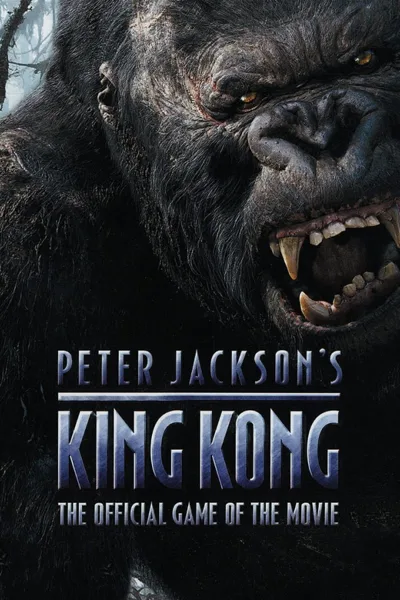
Peter Jackson's King Kong

Fixes the wrong game speed on fast CPUs, uneven physics at high frame rates, camera shake that never stopped and the swamp slowdowns, and adds widescreen and pad support with vibration.

Developer build checking…Changelog Source

Loading the settings…

Add-onsOptional files of Fusion Fix

Texture cache (Gamer's Edition) Performance

Gamer's Edition loads faster.

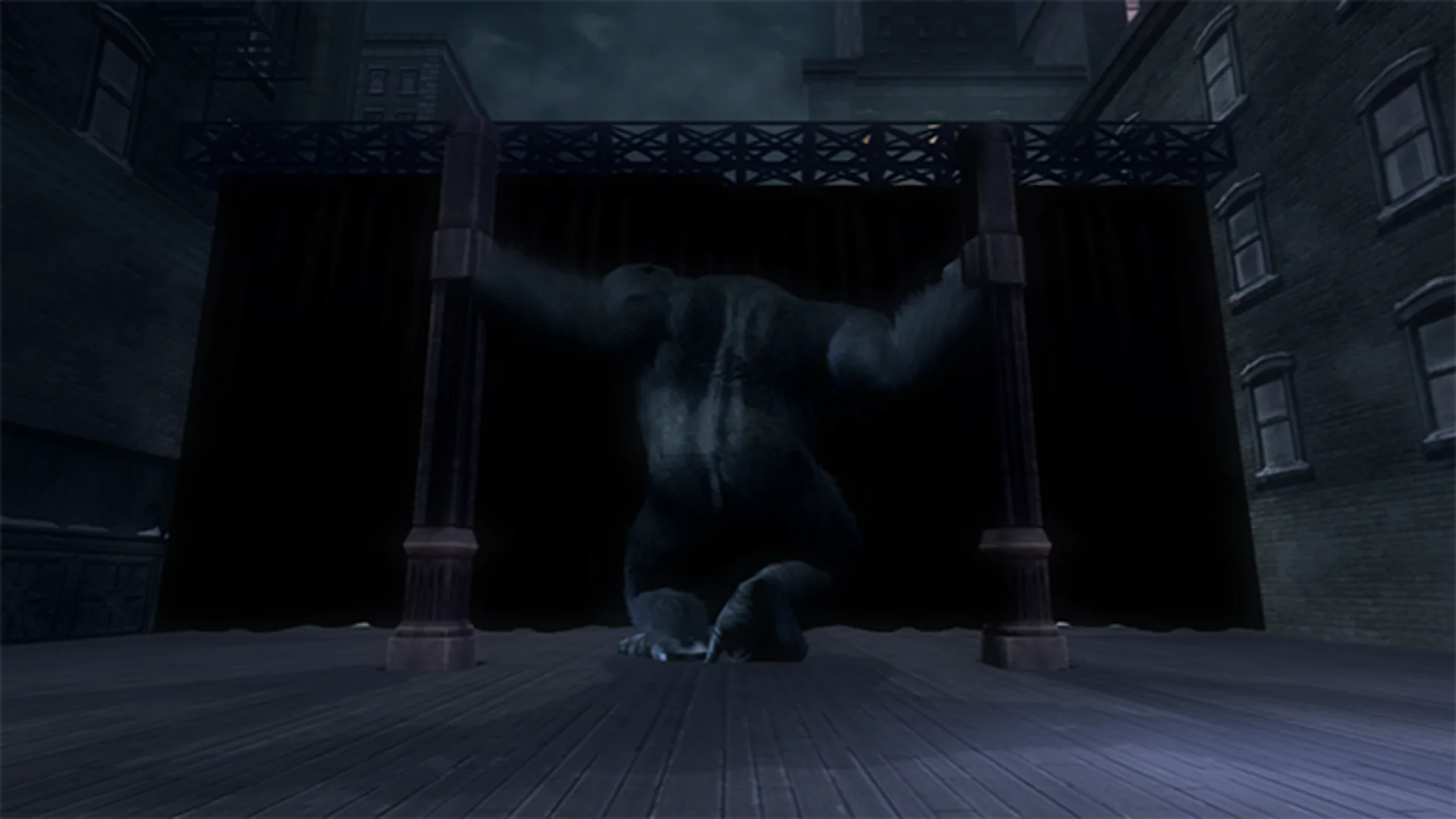
A ready texture cache (the Textures folder) so Gamer's Edition loads faster; without it the fix builds the cache on each loading screen.
315 MB

Separate modsNot part of Fusion Fix

Fusion Rain Droplets Visual

Raindrops and splashes of water run down the screen.

Fusion Rain Droplets: rain and water drops running down the screen.

  • Works with Fusion Fix
  • Its own settings in Customize

Tune:Minimum drop sizeMaximum drop sizeMaximum dropsMaximum moving drops+11

2.6 MB · ThirteenAG/FusionRainDroplets · 26 Mar 2026

Original vs Fusion Fix

Drag to compare.

Features

Fixes

  • Right game speed on CPUs faster than 4.29 GHz
  • Physics in even 1/60 s steps, so props stop popping and freezing at high frame rates
  • Camera shake no longer sticks after the first Kong and V-Rex encounters
  • Swamp and In the Mud levels no longer drop to single-digit frame rates
  • Stuck blur removed in Necropolis, Brontosaurus, In the Mud and New York
  • Broken geometry hidden in Gamer's Edition

Display

  • Wider view on wide screens, with a field of view multiplier
  • HUD in a centred box or across the screen; menus stay 16:9
  • Videos scaled for wide screens
  • Fullscreen, window or borderless
  • More resolutions in the settings program

Controls

  • Raw mouse input with adjustable sensitivity
  • Xbox controllers with vibration through the bundled Xidi, also in the settings program

Extras

  • Frame rate held at 60 by default, since higher rates can break gameplay
  • Faster texture loading in Gamer's Edition
  • Skip the logo videos
  • Pause when the window is in the background

Supported versions

  • Gamer's Edition and Signature Edition, DirectX 9 and DirectX 8 executables (KingKong8.exe, KingKong9.exe, KingKong9d.exe and KingKongP.exe).

Install

  1. Customize the settings below, or keep the recommended ones.
  2. Download the package and unpack it into the game's folder, beside the game executable, keeping its folders.
  3. Start the game. The settings are in Options → Plugins in Gamer's Edition, on fusionfix.io or in FusionFixHub.

Fusion Fix is funded by its supporters

The fixes, the presets and every update are open to everyone. Supporters fund the work on new fixes and updates, and get:

  • Your own settings in the download
  • Share presets as links
  • Your name in the credits

Shader Shredders1

Disquse

Stutter Stoppers2

SpinaroXWhatscheiser

Glitch Guardians12

Alexander PolyAKClaude_LibHerkules97MagicAl6244225Mals1Matt SantanaMCMulderlandPCPeter ESeemannTJGM

Water Wreckers11

Bobby GlantondekideletedJoakim WiderbergMr. JockelRyan GreenSandbowlSvelbardThe ClergymanWWilliam Bettridge-Radford

Bug Bashers5

FikanIanLukeMiamiMojoSirLyn

Widescreen Warriors9

AmazeAmrGregorIlya BruLaczekMichal BobušNSA Watchlist BaitPocketReneSchimmelpfennig

All supporters

From $1 a month

The fixes, the presets and shared presets stay open to everyone.