Support

Max Payne

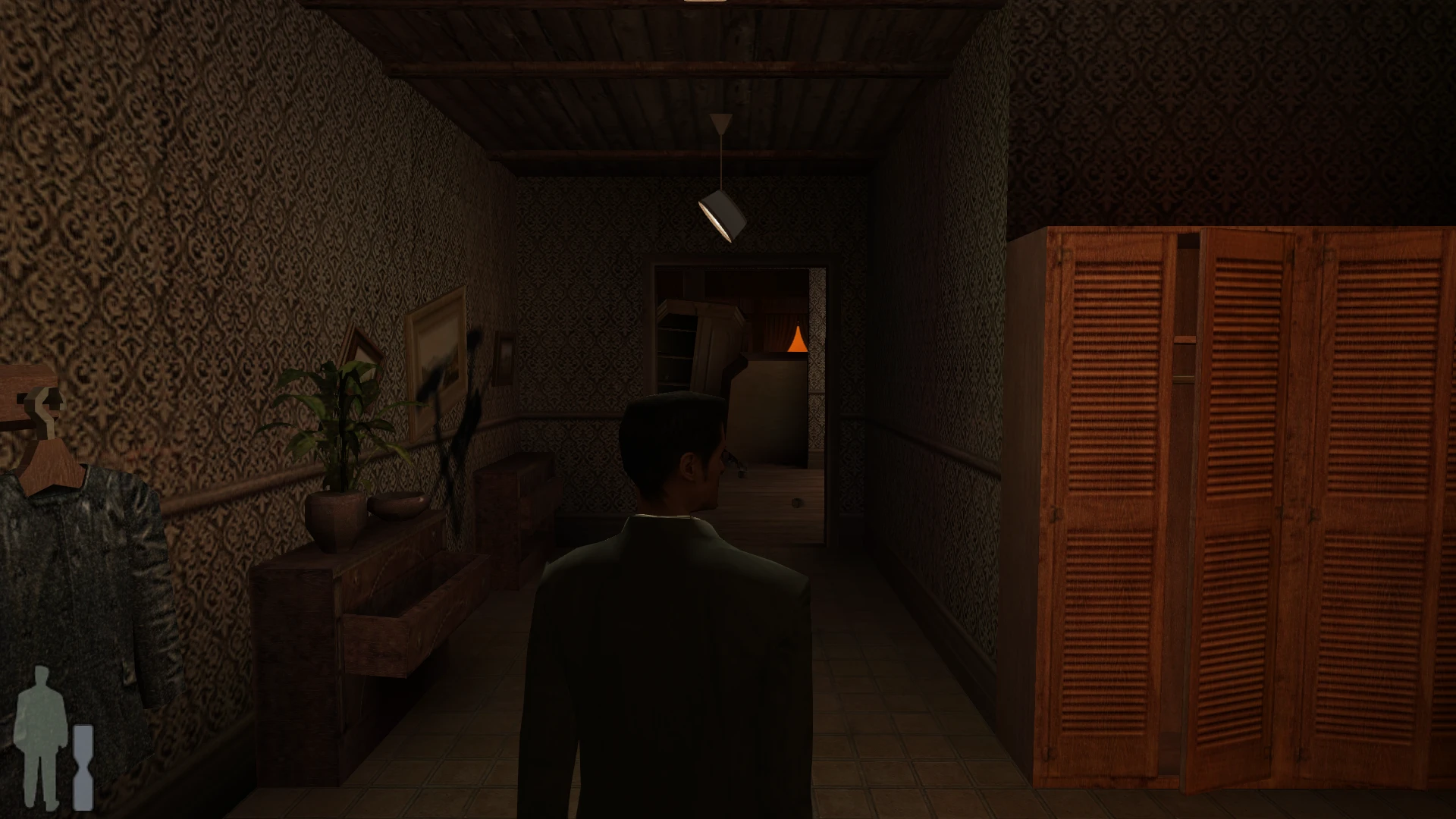
Max Payne's graphic novel pages fill the screen, the HUD sits at the edges, and jumps and shootdodges keep their height at high frame rates. Adds controller support and SMAA, all in the game's own Options.

Developer build checking…Changelog Source

Loading the settings…

Separate modsNot part of Fusion Fix

Fusion Rain Droplets Visual

Raindrops and splashes of water run down the screen.

Fusion Rain Droplets: rain and water drops running down the screen.

  • Works with Fusion Fix
  • Its own settings in Customize

Tune:Minimum drop sizeMaximum drop sizeMaximum dropsMaximum moving drops+8

2.7 MB · ThirteenAG/FusionRainDroplets · 24 Oct 2022

Original vs Fusion Fix

Drag to compare.

Features

Display

  • Picture and field of view fit wide screens; the HUD sits at the screen edges
  • Graphic novel pages as large as the screen allows, or the original framing (F2 switches)
  • Cutscene borders that keep in-engine cutscenes framed as intended
  • Field of view setting
  • Full screen, window or borderless window without the -window switch

Graphics

  • SMAA anti-aliasing
  • Xbox 360 style gamma with deeper contrast
  • Option to turn off the vertical sync the game always forces

Fixes

  • Jumps and shootdodges keep their height at high frame rates and in slow motion
  • Adaptive difficulty eases off again instead of getting stuck on the hardest setting
  • Picking a 16-bit display mode no longer stops the game from starting
  • Settings and saves can live in the game folder instead of the registry

Controls and extras

  • Controller support with vibration, camera speed and Xbox, PlayStation or Nintendo icons
  • Raw mouse input, with the game's mouse smoothing optional
  • Skip the startup logo movie
  • Load a save straight from startup
  • Fix settings next to the game's own options

Supported versions

  • Max Payne for PC (MaxPayne.exe or maxpayne_steam.exe), updated to the official 1.05 patch.

Get the game: Steam

Install

  1. Customize the settings below, or keep the recommended ones.
  2. Download the package and unpack it into the game's folder, where MaxPayne.exe is, keeping its folders. Keep the included dinput.dll, dinput.ini, d3d8.dll and d3d8.ini beside the executable.
  3. Start the game. The settings are in the Options menu: Video, Game, Controls, and a Plugins row at the end.

Fusion Fix is funded by its supporters

The fixes, the presets and every update are open to everyone. Supporters fund the work on new fixes and updates, and get:

  • Your own settings in the download
  • Share presets as links
  • Your name in the credits

Shader Shredders1

Disquse

Stutter Stoppers2

SpinaroXWhatscheiser

Glitch Guardians12

Alexander PolyAKClaude_LibHerkules97MagicAl6244225Mals1Matt SantanaMCMulderlandPCPeter ESeemannTJGM

Water Wreckers11

Bobby GlantondekideletedJoakim WiderbergMr. JockelRyan GreenSandbowlSvelbardThe ClergymanWWilliam Bettridge-Radford

Bug Bashers5

FikanIanLukeMiamiMojoSirLyn

Widescreen Warriors9

AmazeAmrGregorIlya BruLaczekMichal BobušNSA Watchlist BaitPocketReneSchimmelpfennig

All supporters

From $1 a month

The fixes, the presets and shared presets stay open to everyone.