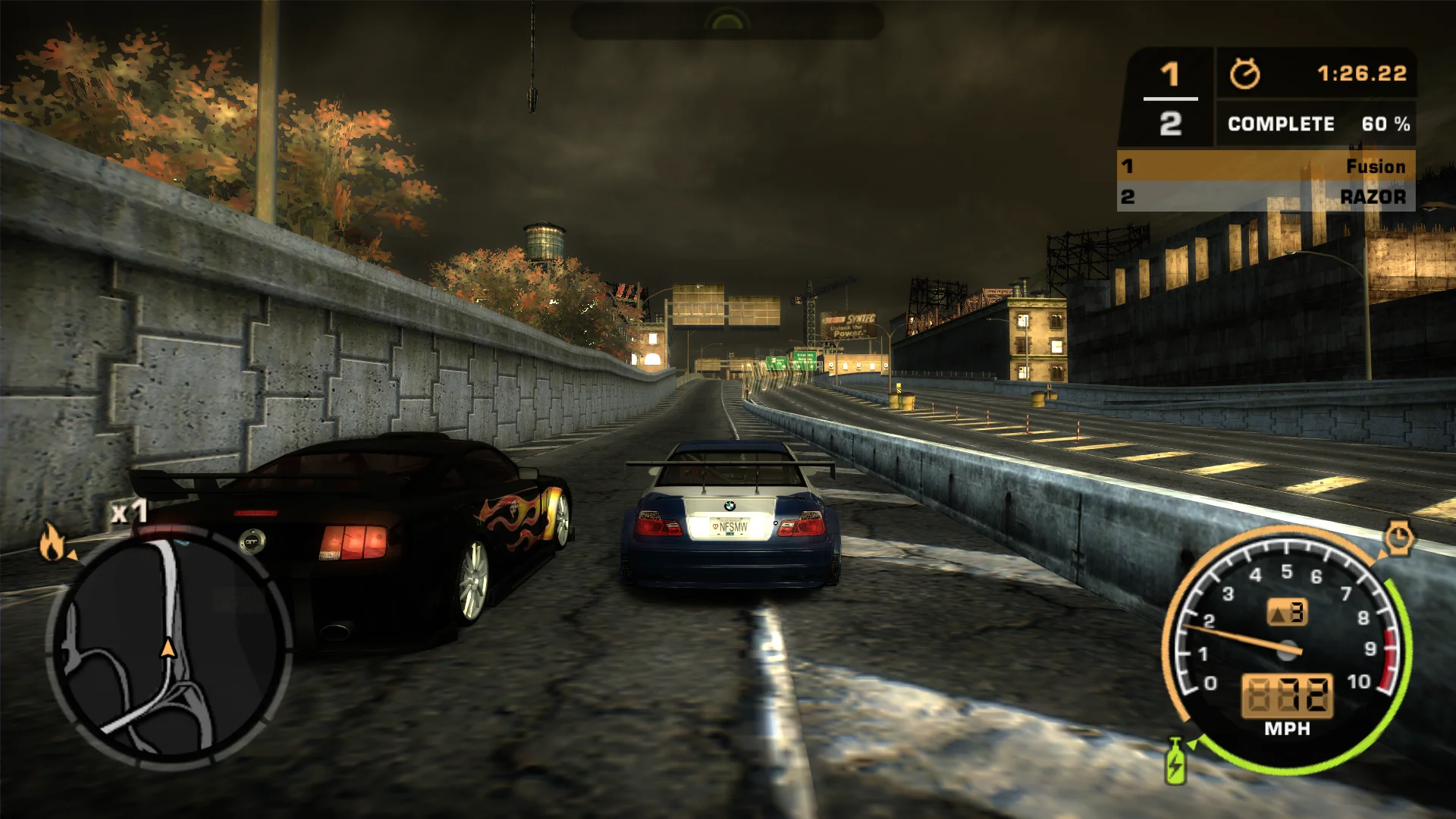
Most Wanted was capped at 60 FPS and its race times drifted in long sessions. The fix lets it run smoothly at high refresh rates, stops the timebug, fixes several crashes and adds free look for the chase camera.
No longer capped at 60 FPS and no judder at high refresh rates
Menu animations, animated textures, the race leaderboard and the NOS trail keep their speed at any frame rate
Timebug fixed: race times and timers no longer drift after long sessions
Fixes
Crashes fixed: roadblocks, cop HUD parts, missing languages, skipped intro movies, car paint and the sound
Shadows no longer vanish in tunnels and under bridges
Soft shadows on every graphics card, not just ATI
English subtitles in the story movies
Skip the intro movies
Display
Field of view that widens like the Xbox 360 version, plus a multiplier
HUD at the screen edges, or in a 16:9 or 21:9 area
Movies shown whole, in their original frame or filling the screen
Fullscreen, windowed, resizable or borderless
Graphics
Higher shadow resolution
Xbox 360 gamma and SMAA anti-aliasing
Adjustable rain droplet size
Controls
Free look: orbit the chase camera with the mouse or right stick
Xbox or PlayStation button icons and names in the menus
Separate dead zones for both sticks
Supported versions
The PC version (speed.exe).
Install
Customize the settings below, or keep the recommended ones.
Download the package and unpack it into the game's folder, where speed.exe is, keeping its folders. Keep Xidi.32.dll and Xidi.ini beside it for gamepad support, and remove NFS XtendedInput if it is installed.
Start the game. The settings are in the Options menu: the video options, and a Plugins category.
Fusion Fix is funded by its supporters
The fixes, the presets and every update are open to everyone. Supporters fund the work on new fixes and updates, and get:
Your own settings in the download
Share presets as links
Your name in the credits
Shader Shredders1
Disquse
Stutter Stoppers2
SpinaroXWhatscheiser
Glitch Guardians12
Alexander PolyAKClaude_LibHerkules97MagicAl6244225Mals1Matt SantanaMCMulderlandPCPeter ESeemannTJGM
Water Wreckers11
Bobby GlantondekideletedJoakim WiderbergMr. JockelRyan GreenSandbowlSvelbardThe ClergymanWWilliam Bettridge-Radford