

Resident Evil
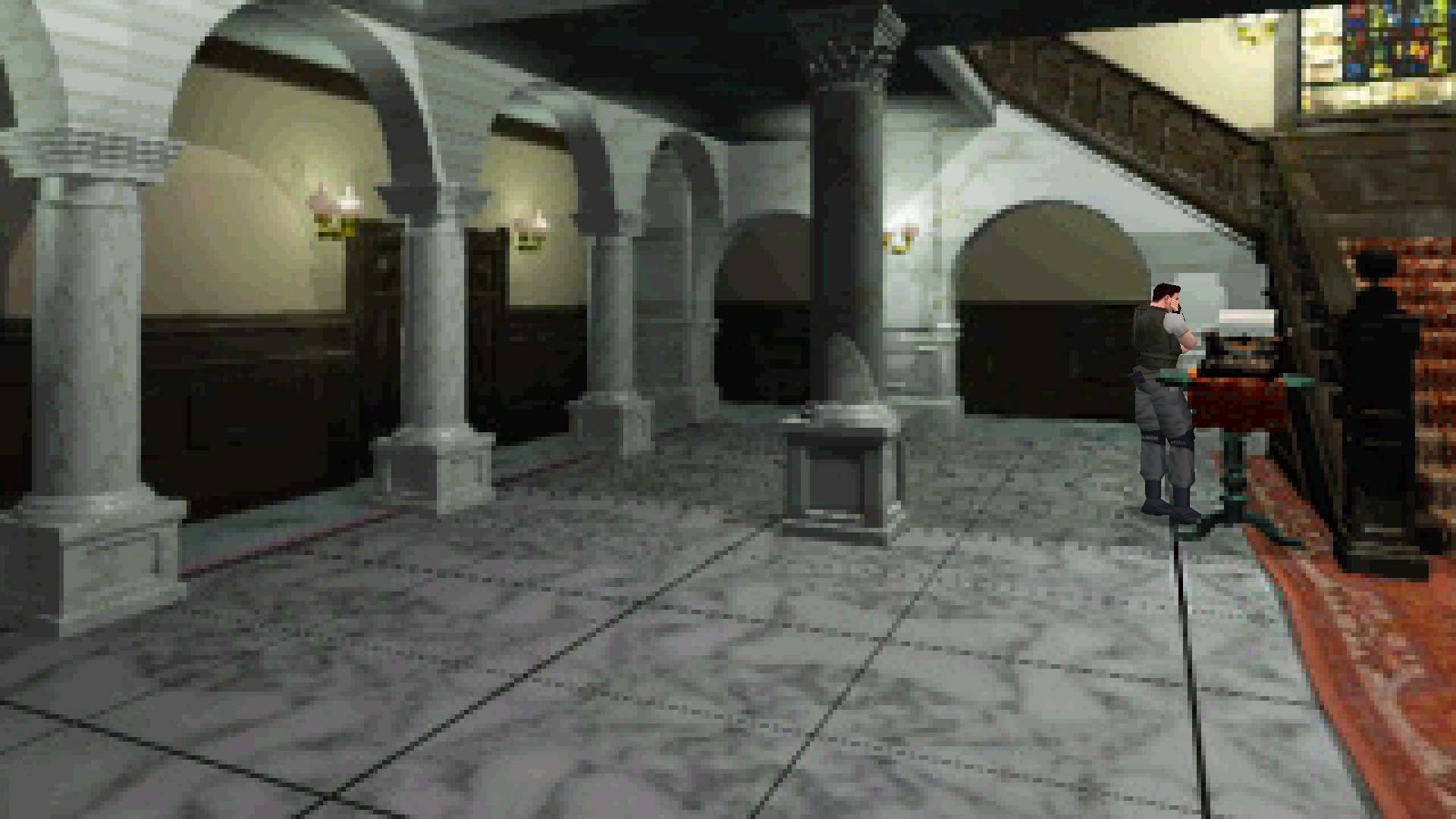
Widescreen that pans with your character over the original backgrounds, controls that move where you press instead of tank turning, Remaster-style key and pad layout, and doors you can skip, all set from an in-game menu.
Loading the settings…
Still loading? Download the fix without changes, or reload the page.
Features
Display
- Widescreen view that follows the character; right stick or mouse wheel looks up and down
- Widest aspect is 16:9 by default; raise the limit for 21:9 and wider
- Inventory, menus and text keep their 4:3 layout
- Movies sized to the picture without being stretched
Controls
- Alternate controls: the character moves in the direction you press; the D-pad keeps tank controls
- Keyboard and controller layout of the HD Remaster, or the game's own bindings
- Quick turn and manual reload
- Optional mouse turning and aiming with adjustable sensitivity
- Walk or run by default, Shift to hold or toggle
Game
- Skip the startup warnings, logos and opening movie
- Skip the door animations between rooms
- Skip the recap text after loading; load the latest or a chosen save at startup
- The game's own settings kept in a file beside the game instead of the registry
Settings
- In-game menu (Esc or Start) with every setting and presets
- Settings overlay with Ctrl+F10, or Back + Start on a controller
- F3 toggles widescreen, F4 the alternate controls for the session
Supported versions
- The original Resident Evil (1996) on Steam: English, French, German and Japanese.
- Resident Evil on GOG (ResidentEvil.exe).
- Steam and GOG have separate packages: pick your store in the download.
Get the game: Steam
Install
- Customize the settings below, or keep the recommended ones.
- Pick your store in the download (Steam or GOG) and download the zip.
- Steam: unpack it into the folder Manage → Browse local files opens, the one with the language folders, keeping its folders. GOG: unpack it into the game's folder, where ResidentEvil.exe is.
- Start the game. Press Esc, or Start on a controller, to open the Fusion Fix menu.
Linux (Proton / Wine)
- Steam: open the game's Properties and set Launch Options to:
WINEDLLOVERRIDES="version=n,b" %command% - GOG (Heroic, Lutris or another Wine prefix): set the environment variable:
WINEDLLOVERRIDES="dsound=n,b"
Fusion Fix is funded by its supporters
The fixes, the presets and every update are open to everyone. Supporters fund the work on new fixes and updates, and get:
- Your own settings in the download
- Share presets as links
- Your name in the credits
Shader Shredders1
Disquse
Stutter Stoppers2
SpinaroXWhatscheiser
Glitch Guardians12
Alexander PolyAKClaude_LibHerkules97MagicAl6244225Mals1Matt SantanaMCMulderlandPCPeter ESeemannTJGM
Water Wreckers11
Bobby GlantondekideletedJoakim WiderbergMr. JockelRyan GreenSandbowlSvelbardThe ClergymanWWilliam Bettridge-Radford
Bug Bashers5
FikanIanLukeMiamiMojoSirLyn
Widescreen Warriors9
AmazeAmrGregorIlya BruLaczekMichal BobušNSA Watchlist BaitPocketReneSchimmelpfennig
From $1 a month
 Patreonvia Patreon sign-in

 GitHub Sponsorsvia GitHub sign-in
 Ko-fivia Discord role
 Boostyvia Discord role
The fixes, the presets and shared presets stay open to everyone.