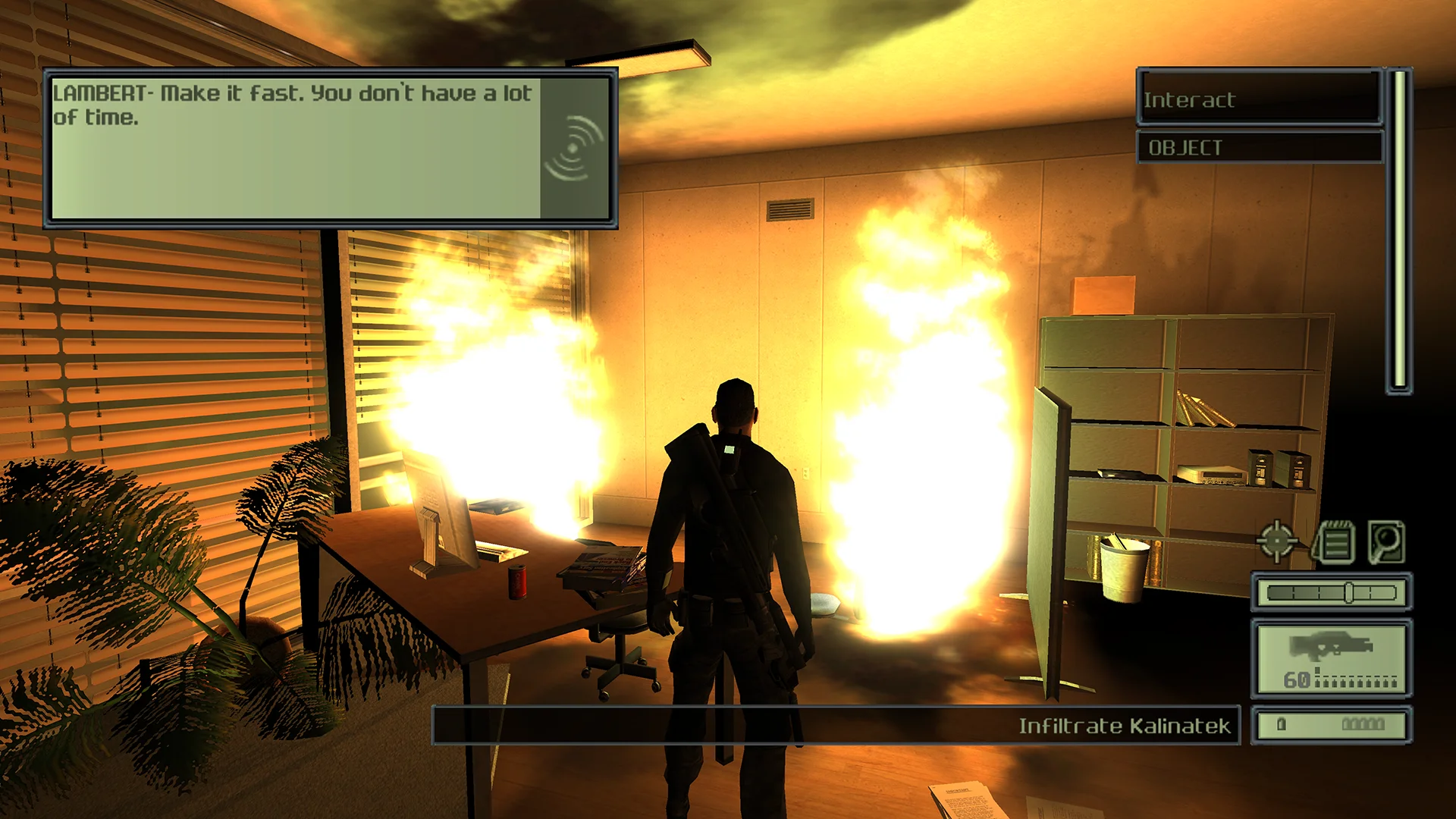
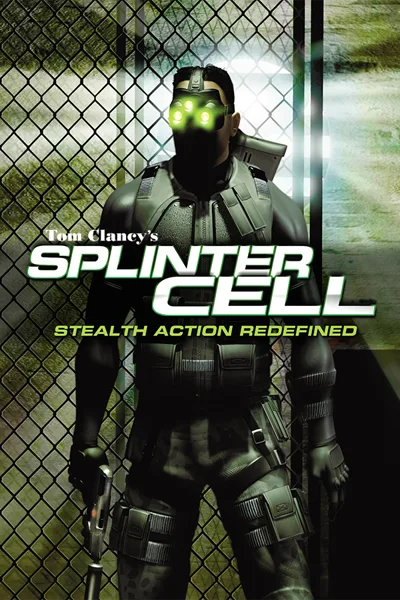
Spot lights and shadows no longer render black on current drivers, cloth, ledge grabs and the camera work at high frame rates, and EAX sound is back, with full gamepad support.
Spot lights and buffered shadows render correctly on current drivers
Soft buffered shadows forced on, at a higher shadow resolution
Highest character detail
Night and thermal vision grain sized for the resolution and no longer sped up by the frame rate
Fake backdrops no longer show through thermal vision
High frame rates
Cloth moves at the right speed
Ledge grabs no longer fail while falling
The camera settles and shakes as intended
Animated textures play at their normal speed
Frame rate limit that can be changed while playing
Display
HUD at the screen edges instead of stretching, or kept in a centred box
Videos shown whole, no longer limited to low resolution
Cinematics keep their 16:9 framing on any screen
Field of view setting for the gameplay camera
Fullscreen, windowed or borderless
Controls
Raw mouse without acceleration or dropped movement
Gamepad with vibration, camera speed and look inversion
Training prompts name your controller's buttons
Sticks and buttons work in the original menus
Extras
EAX sound through DSOAL
Skip the intro and the Press Fire prompt
No crash when the game closes during a video
Supported versions
Version 1.3 of the PC game (SplinterCell.exe): the retail patch and the Steam, GOG and Ubisoft Connect releases. Version 1.0 and some Russian-language releases are not supported.
Install
Customize the settings below, or keep the recommended ones.
Download the package and unpack it into the game's folder, keeping its system folder, beside the installed game files.
Start the game. The settings are in the game's Plugins menu, on fusionfix.io or in FusionFixHub.
Fusion Fix is funded by its supporters
The fixes, the presets and every update are open to everyone. Supporters fund the work on new fixes and updates, and get:
Your own settings in the download
Share presets as links
Your name in the credits
Shader Shredders1
Disquse
Stutter Stoppers2
SpinaroXWhatscheiser
Glitch Guardians12
Alexander PolyAKClaude_LibHerkules97MagicAl6244225Mals1Matt SantanaMCMulderlandPCPeter ESeemannTJGM
Water Wreckers11
Bobby GlantondekideletedJoakim WiderbergMr. JockelRyan GreenSandbowlSvelbardThe ClergymanWWilliam Bettridge-Radford