Support

Splinter Cell: Chaos Theory

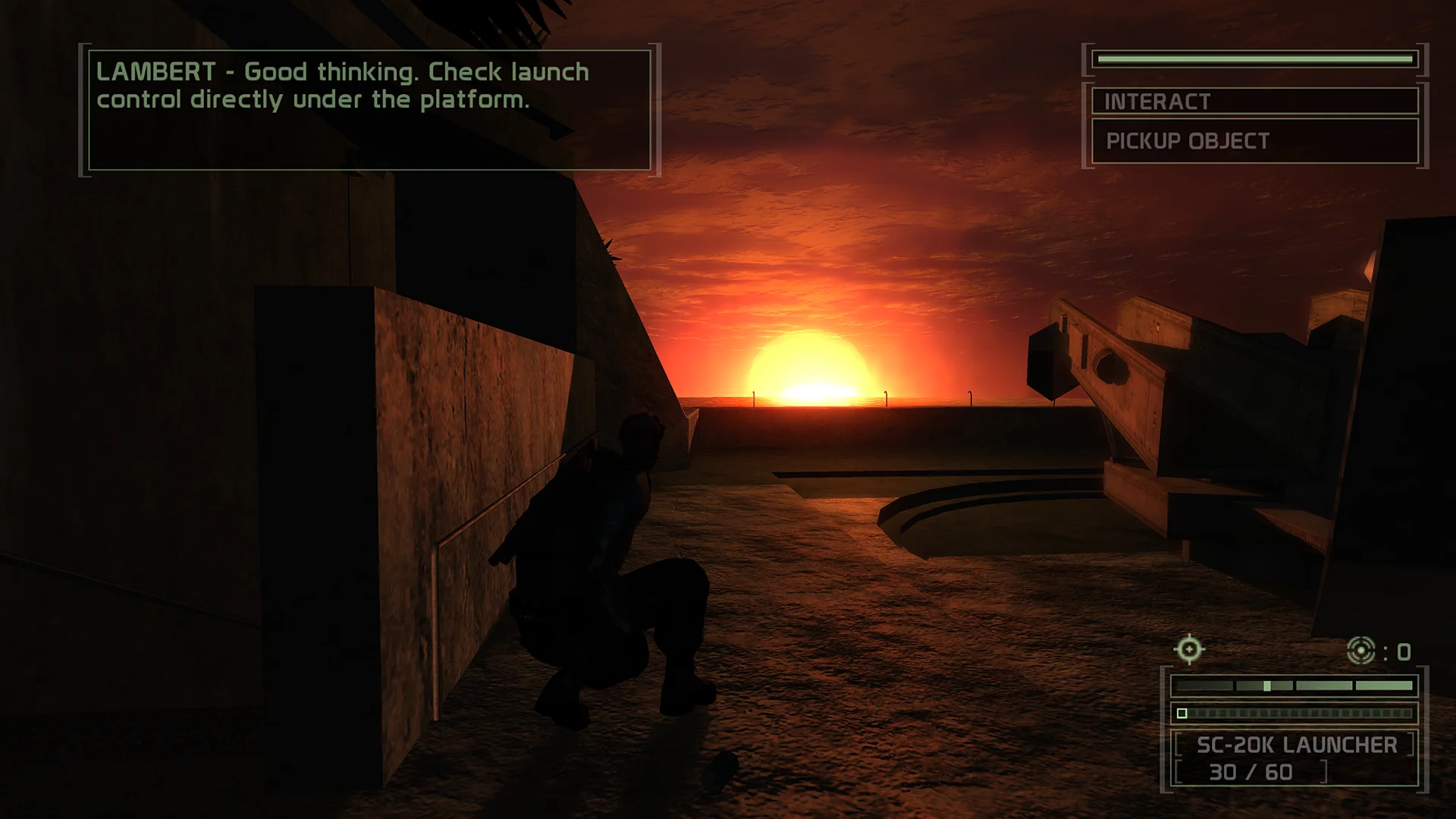
Chaos Theory's EAX sound is back, the mouse reads raw input, controllers work with button prompts, and settings stop resetting every launch. Adds Blacklist-style suit lights and sharper shadows.

Developer build checking…Changelog Source

Loading the settings…

Separate modsNot part of Fusion Fix

Fusion Rain Droplets Visual

Raindrops and splashes of water run down the screen.

Fusion Rain Droplets: rain and water drops running down the screen.

  • Works with Fusion Fix
  • Its own settings in Customize

Tune:Minimum drop sizeMaximum drop sizeMaximum dropsMaximum moving drops+11

2.6 MB · ThirteenAG/FusionRainDroplets · 30 Oct 2025

Original vs Fusion Fix

Drag to compare.

Features

Display

  • Picture and field of view fit wide screens; the HUD sits at the screen edges
  • Field of view setting for the normal camera; aiming and gadgets keep theirs
  • Movies shown whole, in their original frame or filling the screen
  • Fullscreen, window or borderless, with Alt+Enter switching

Graphics

  • Higher resolution shadows
  • Shadow filtering can be turned off for harder shadows
  • Goggle and suit lights in Blacklist's Ops Suit colours, or a custom colour
  • Suit indicators that dim in light and glow in shadow, like Blacklist
  • Logitech G LIGHTSYNC RGB lighting

Controls

  • Raw mouse input with its own sensitivity, with or without Windows acceleration
  • Controller support with Xbox, PlayStation or Nintendo button prompts
  • Vibration can be turned off separately

Fixes

  • EAX audio restored
  • Settings no longer reset on each launch
  • 60 FPS limit by default to avoid high frame rate gameplay bugs
  • Skip the intro logos and the Press Any Key screen

Supported versions

  • The original retail and Steam single-player versions (splintercell3.exe). The settings menu is for single-player; co-op and multiplayer use their own menus.

Get the game: Steam

Install

  1. Customize the settings below, or keep the recommended ones.
  2. Download the package and unpack it into the game's folder, where splintercell3.exe is, keeping its folders. The included files belong under System.
  3. Start the game. The settings are in Settings > Plugins, on fusionfix.io or in FusionFixHub.

Fusion Fix is funded by its supporters

The fixes, the presets and every update are open to everyone. Supporters fund the work on new fixes and updates, and get:

  • Your own settings in the download
  • Share presets as links
  • Your name in the credits

Shader Shredders1

Disquse

Stutter Stoppers2

SpinaroXWhatscheiser

Glitch Guardians12

Alexander PolyAKClaude_LibHerkules97MagicAl6244225Mals1Matt SantanaMCMulderlandPCPeter ESeemannTJGM

Water Wreckers11

Bobby GlantondekideletedJoakim WiderbergMr. JockelRyan GreenSandbowlSvelbardThe ClergymanWWilliam Bettridge-Radford

Bug Bashers5

FikanIanLukeMiamiMojoSirLyn

Widescreen Warriors9

AmazeAmrGregorIlya BruLaczekMichal BobušNSA Watchlist BaitPocketReneSchimmelpfennig

All supporters

From $1 a month

The fixes, the presets and shared presets stay open to everyone.