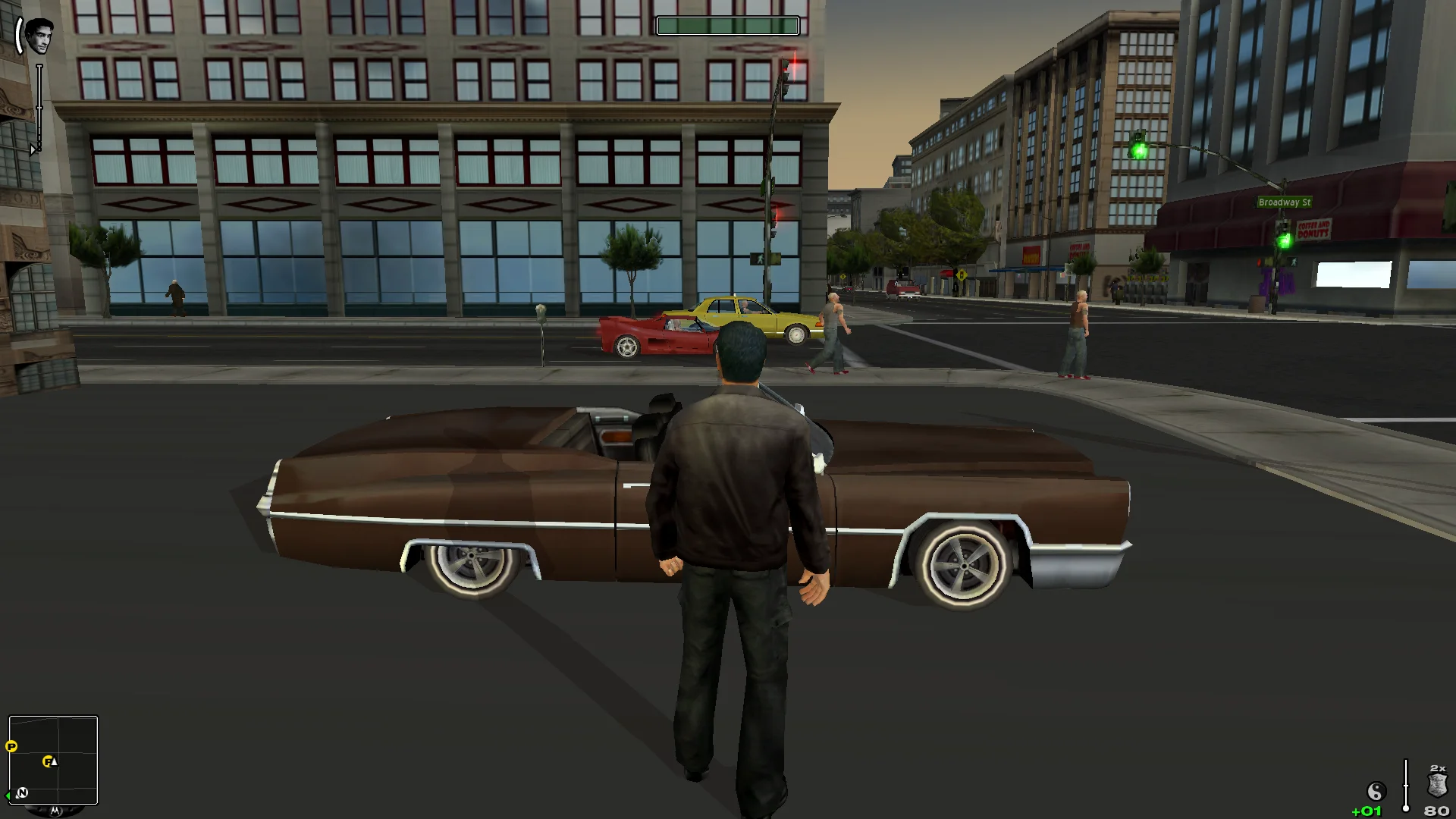
The PC Streets of LA never read a gamepad during play; now an Xbox-style controller just works. The mouse turns the camera and aims at full speed, high polling rate mice no longer stall the game, and the HUD sits at the edges.
Xbox-style controllers work in play with a console-style layout, keyboard and mouse keep working
The mouse turns the camera on foot and in cars; the game's camera returns after a delay
Fast mouse aiming is no longer slowed down
Stick dead zones, camera speed, inversion and mouse sensitivity
Mouse steering for cars if you prefer it
Display
Your monitor's resolutions in Options > Display; a missing mode no longer crashes the game
Wider view at the sides, with a field of view multiplier
HUD at the screen edges or in a centred area
Menus keep their 4:3 frame
Cutscene borders of your choice, sliding in like the original
Graphics
SMAA anti-aliasing that leaves the HUD and menus sharp
Xbox 360 gamma
Fixes
Stalls with high polling rate mice fixed
The game quits when its window is closed
Fullscreen, windowed or borderless
Frame rate limit, 60 FPS by default
Supported versions
The PC version, both TrueCrime_.exe and TrueCrimeMB.exe (the later build of the Eastern European editions).
Install
Customize the settings below, or keep the recommended ones.
Download the package and unpack it into the game's folder, where TrueCrime_.exe is, keeping its folders. The loader is named d3d8.dll and needs its d3d8.ini.
The game's menus have no page for the fix. The settings are on fusionfix.io or in FusionFixHub.
Fusion Fix is funded by its supporters
The fixes, the presets and every update are open to everyone. Supporters fund the work on new fixes and updates, and get:
Your own settings in the download
Share presets as links
Your name in the credits
Shader Shredders1
Disquse
Stutter Stoppers2
SpinaroXWhatscheiser
Glitch Guardians12
Alexander PolyAKClaude_LibHerkules97MagicAl6244225Mals1Matt SantanaMCMulderlandPCPeter ESeemannTJGM
Water Wreckers11
Bobby GlantondekideletedJoakim WiderbergMr. JockelRyan GreenSandbowlSvelbardThe ClergymanWWilliam Bettridge-Radford