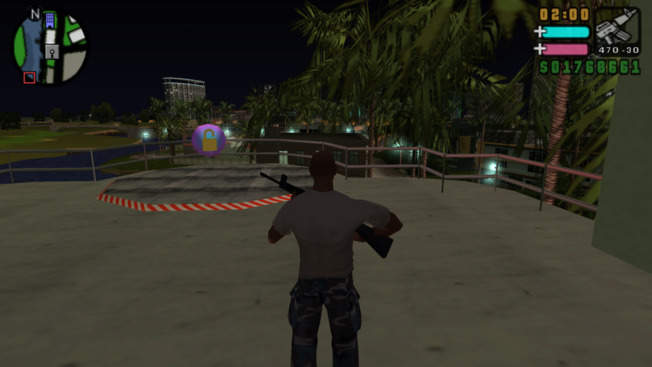
- Download and extract the archive to the directory, where PPSSPP's memstick folder is located.
- Check the download link below for all available features.
- Launch the game.
- Smaller resizable hud, modern controls scheme, 60 fps and more
- Project2DFX
- Improved Vehicle Lights
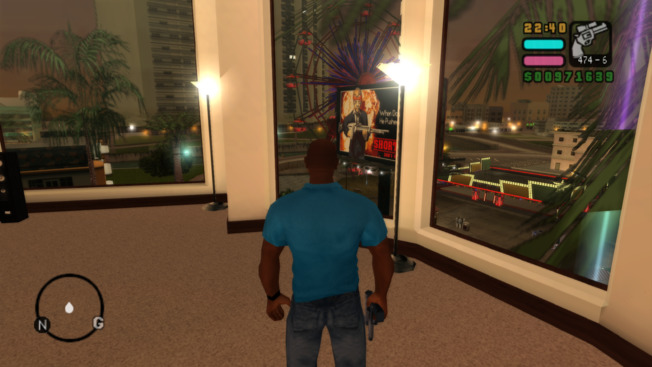
- Download and extract PCSX2 Fork With Plugins.
- Download and extract the archive to the root directory, where exe is located.
- Change the aspect ratio or window size of the emulator.
- Launch the game.
- Proper aspect ratio, hor+ FOV, modern controls scheme and more
- Project2DFX
- Improved Vehicle Lights
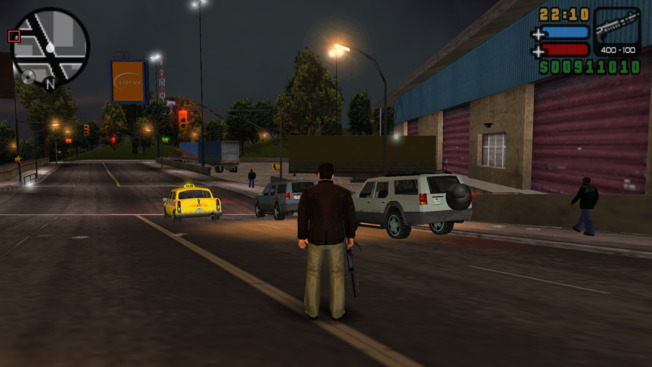
- Download and extract the archive to the directory, where PPSSPP's memstick folder is located.
- Check the download link below for all available features.
- Launch the game.
- Smaller resizable hud, dual analog patch, 60 fps and skip intro
- Project2DFX
- Improved Vehicle Lights
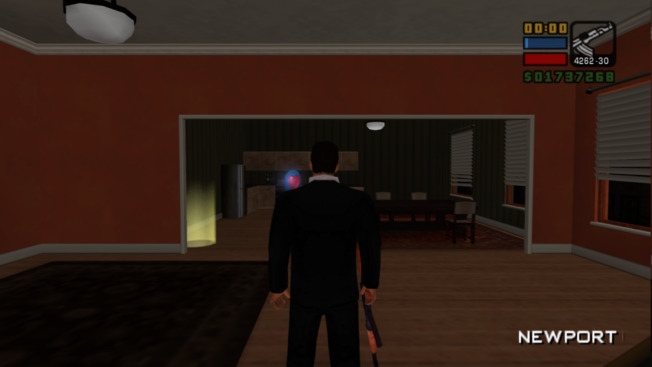
- Download and extract PCSX2 Fork With Plugins.
- Download and extract the archive to the root directory, where exe is located.
- Change the aspect ratio or window size of the emulator.
- Launch the game.
- Proper aspect ratio for any resolution, hor+ FOV, blur removal and skip intro
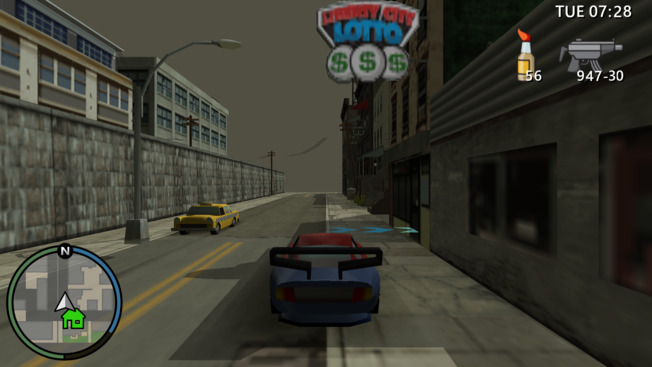
- Download and extract the archive to the directory, where PPSSPP's memstick folder is located.
- Check the download link below for all available features.
- Launch the game.
- Alternative controls
- Adds an option to activate 3rd person camera.
- Adds an option to enable radio in emergency vehicles.
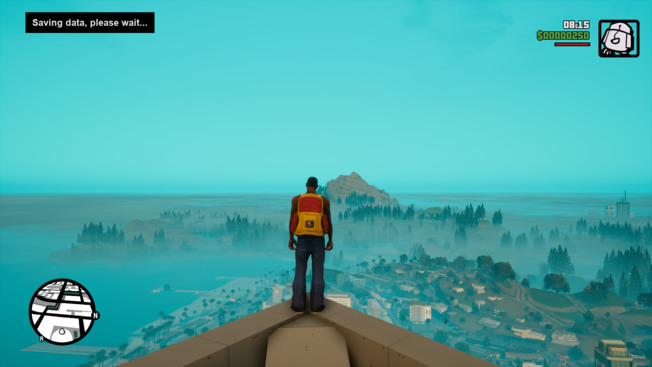
- Download and extract the archive to the game directory, where the exe is located.
- Skip Intro and Skip Menu
- Adds an ability to quicksave anywhere by pressing F5
- Adds an ability to resize HUD
- Adds an ability to fix bugged mouse camera movement
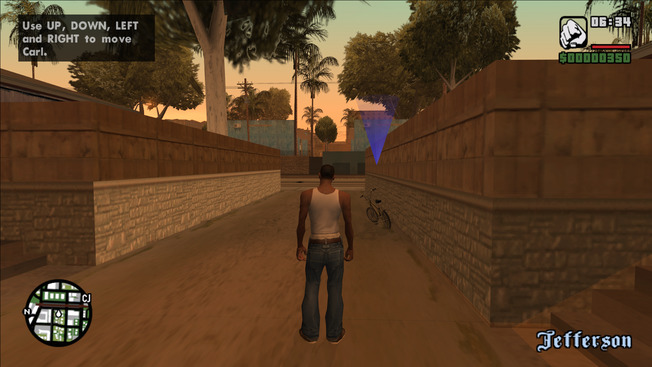

- Download and extract the archive to the game directory, where the exe is located.
- Download and extract Widescreen Frontend Textures to the game directory (optional).
- Check the download link below for all available features.
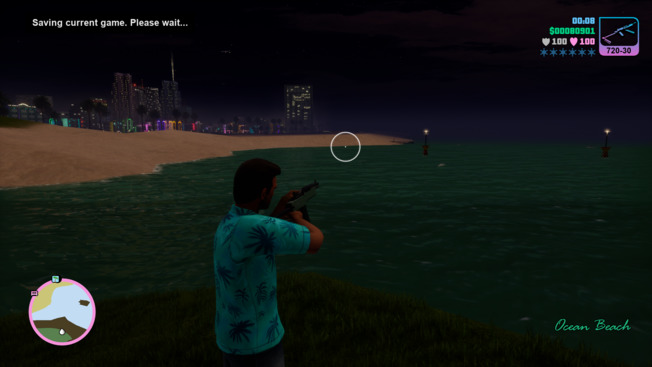
- Download and extract the archive to the game directory, where the exe is located.
- Skip Intro and Skip Menu
- Adds an ability to quicksave anywhere by pressing F5
- Adds an ability to disable first person aim mode for rifles
- Adds an ability to resize HUD
- Adds an ability to fix bugged mouse camera movement
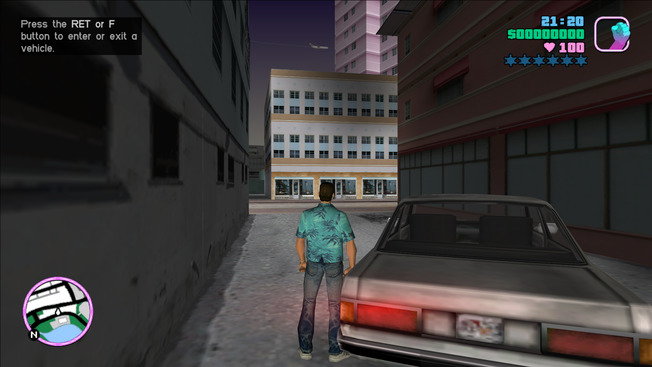
- Download and extract the archive to the game directory, where the exe is located.
- Download and extract Widescreen Frontend Textures to the game directory (optional).
- Check the download link below for all available features.
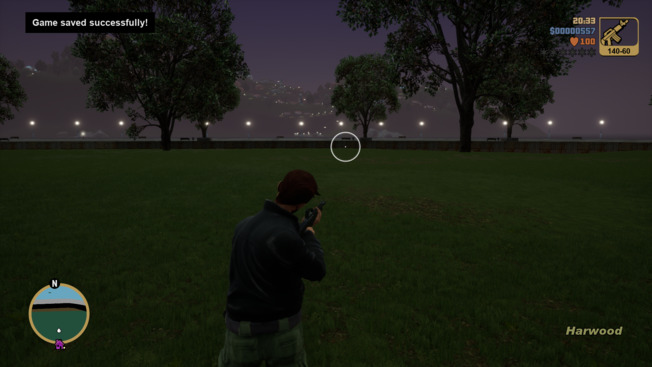
- Download and extract the archive to the game directory, where the exe is located.
- Skip Intro and Skip Menu
- Adds an ability to quicksave anywhere by pressing F5
- Adds an ability to disable first person aim mode for rifles
- Adds an ability to resize HUD
- Adds an ability to fix bugged mouse camera movement
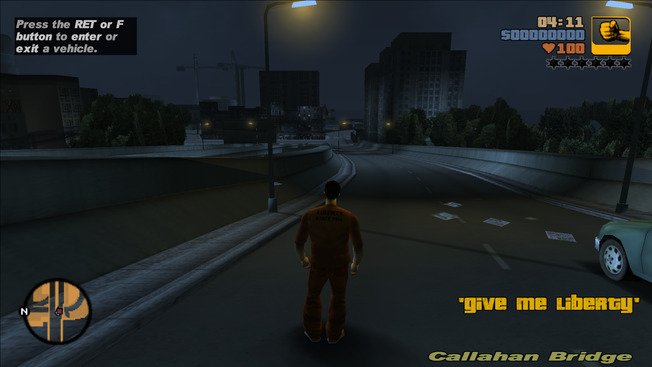
- Download and extract the archive to the game directory, where the exe is located.
- Download and extract Widescreen Frontend Textures to the game directory (optional).
- Check the download link below for all available features.
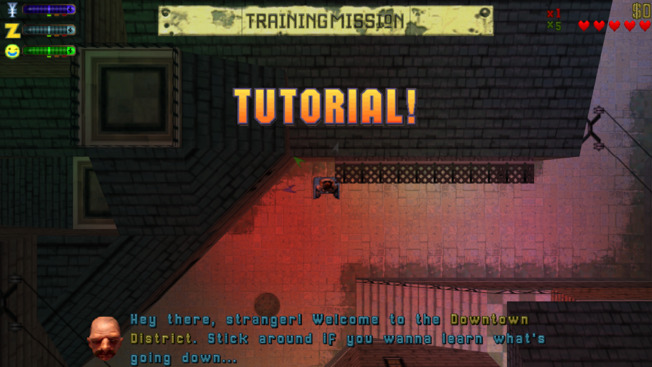
- Download and extract the archive to the game directory, where the exe is located.
- Check the download link below for all available features.
Notes:
- Quicksave button - F5 by default. Customizable via ini.
- Camera zoom - Num+ and Num-.
- Download and extract the archive to the 'WINO' folder, where the exe is located.
- Check the download link below for all available features.
- Download and extract the archive to the game directory, where the exe is located.
- Check the download link below for all available features.
Notes:
- The display mode for graphic novels can be changed by pressing F2. Customizable via ini.
- More options available under [MISC] section of the ini file.
- Download and extract the archive to the game directory, where the exe is located.
- Check the download link below for all available features.
Notes:
- The display mode for graphic novels can be changed by pressing F2. Customizable via ini.
- More options available under [MISC] section of the ini file.
- Download and extract the archive to the game directory, where the exe is located.
This projects aims to add new features and fix some issues in Max Payne 3. Borderless Windowed, various Gamepad Icons styles, Skip Intro, crash fixes and LightSyncRGB support.
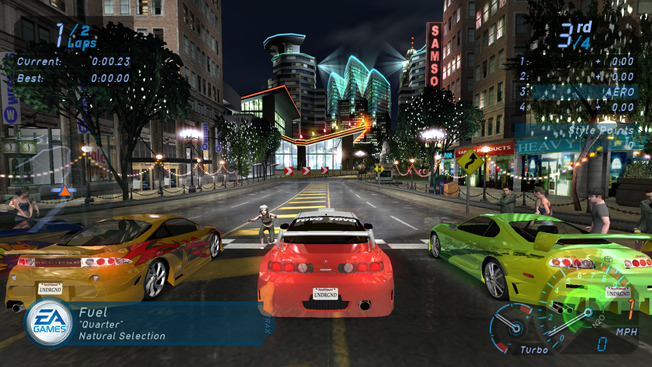
- Download and extract the archive to the game directory, where the exe is located.
- Check the download link below for all available features.
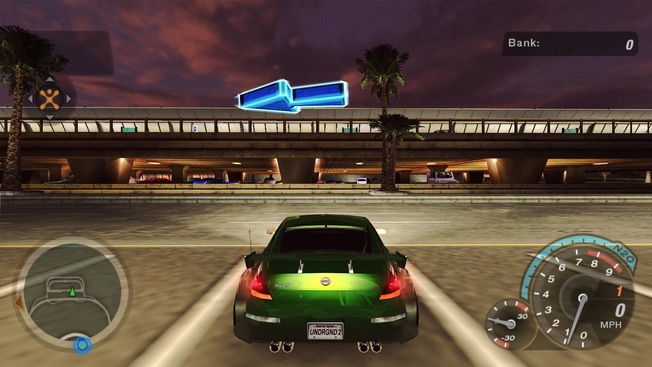
- Download and extract the archive to the game directory, where the exe is located.
- Check the download link below for all available features.

- Download and extract the archive to the game directory, where the exe is located.
- Check the download link below for all available features.
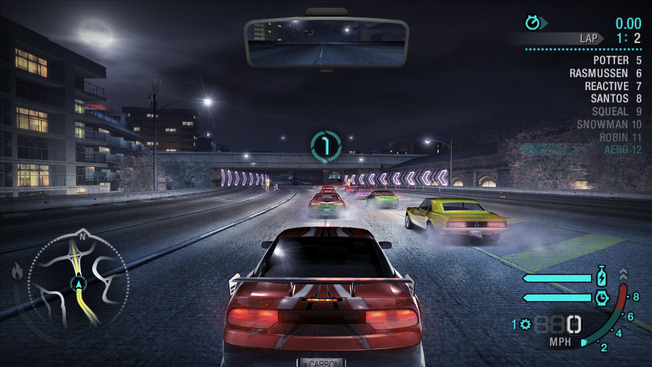
- Download and extract the archive to the game directory, where the exe is located.
- Check the download link below for all available features.
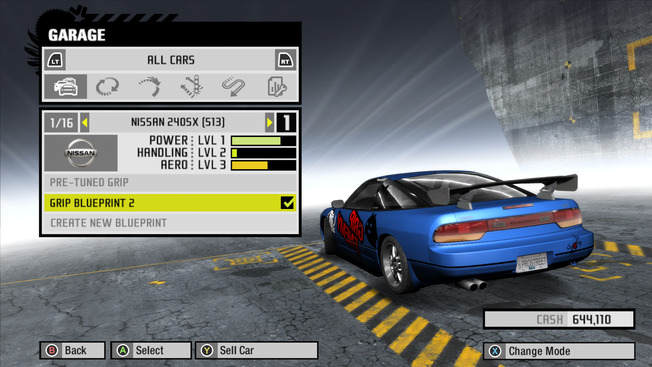
- Download and extract the archive to the game directory, where the exe is located.
- Check the download link below for all available features.
- Download and extract the archive to the game directory, where the exe is located.
- Check the download link below for all available features.
- Download and extract the archive to the game directory, where the exe is located.
- Check the download link below for all available features.
- Skip intro - bypass startup FMVs and login prompts for faster loading
- Improved windowed mode - borderless, resized to match your selected resolution
- Free-look camera with mouse & right stick
- Download and extract the archive to the game directory, where the exe is located.
- Check the download link below for all available features.
Notes:
- Includes dgVoodoo to fix buffered shadows.
- Download and extract the archive to the game directory, where the exe is located.
- Check the download link below for all available features.
- Download and extract the archive to the game directory, where the exe is located.
- Check the download link below for all available features.
- Download and extract the archive to the game directory, where the exe is located.
- Check the download link below for all available features.
Notes:
- Includes special d3d9 wrapper that prevents the game from crashing under certain circumstances.
- Download and extract PCSX2 Fork With Plugins.
- Download and extract the archive to the root directory, where exe is located.
- Change the aspect ratio or window size of the emulator.
- Launch the game.
Notes:
- More info about this release on GitHub Releases page.
Supported version:
US-094 v1.02
Installation:
- Download and extract the archive to the directory, where cxbx.exe is located.
- Change window size through the emulator, disable maintain aspect ratio option.
- Launch the game.
Notes:
- More info about this release on GitHub Releases page.
- Download and extract the archive to the directory, where PPSSPP's memstick folder is located.
- Check the download link below for all available features.
- Launch the game.
Notes:
- Dual analog patch, 60 fps, skip intro and improved controls
- Ultra-wide support (for PPSSPP v1.14 and above)

- Download and extract the archive to the game directory, where the exe is located.
- Check the download link below for all available features.
Notes:
- Skip intro, skip systemdetection, disable DOF, disable black and white filter, enhanced sonar vision
- Blacklist Control Scheme and more...

deprecated
- Download and extract the archive to the game directory, where the exe is located.
- Check the download link below for all available features.
- This project is a part of Silent Hill 2: Enhanced Edition. It is recommended to use it instead.
- Silent Hill 2 Remake is also available.

- Download and extract the archive to the game directory, where the exe is located.
- Check the download link below for all available features.
- Download and extract the archive to the game directory, where the exe is located.
- Check the download link below for all available features.
Notes:
- A couple of post-processing effects could not be scaled properly, so they are disabled when Fix2D is used.

- Download and extract the archive to the game directory, where the exe is located.
- Check the download link below for all available features.
Notes:
- 60 fps
- Raw mouse input
- High resolution shadows, new post-processing effects and more
Supported exe version:
Any
Installation:
- Download and extract the archive to the game directory, where the exe is located.
- Check the download link below for all available features.
Supported exe version:
Update 2
Installation:
- Download and extract the archive to the game directory, where the exe is located.
- Check the download link below for all available features.
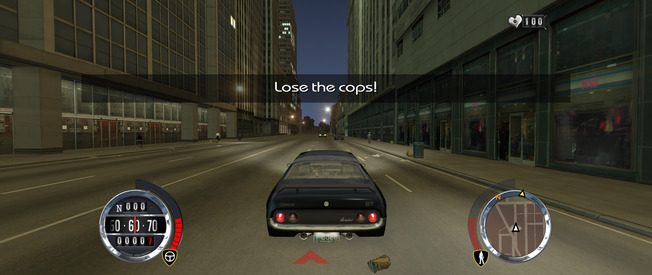
- Download and extract the archive to the game directory, where the exe is located.
- Check the download link below for all available features.
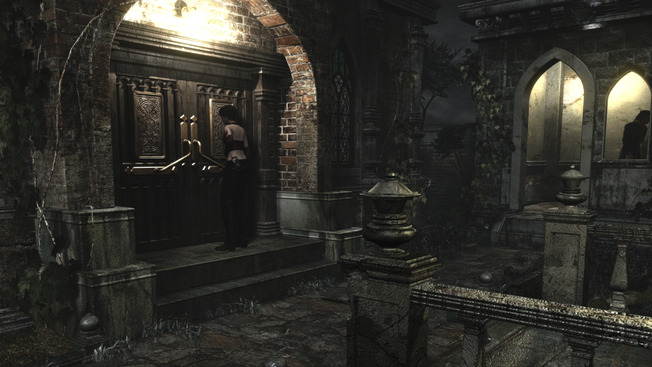
- Download and extract the archive to the game directory, where the exe is located.
- Check the download link below for all available features.
- Hide Mouse Cursor
- Door Skip
- Borderless windowed mode
- LightSync RGB
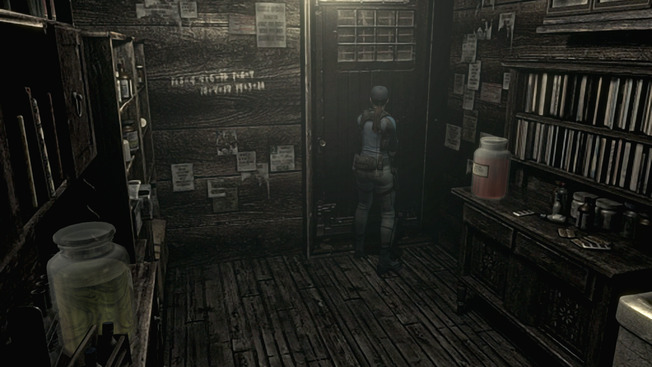
- Download and extract the archive to the game directory, where the exe is located.
- Check the download link below for all available features.
- Unlocked all resolutions
- Hide Mouse Cursor
- Door Skip
- Borderless windowed mode
- LightSync RGB
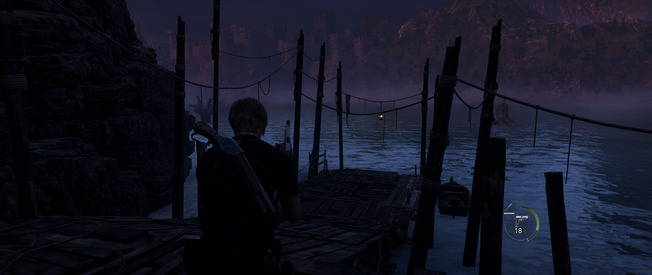
- Download and extract the archive to the game directory, where the exe is located.
- LightSync RGB
- Download and extract the archive to the game directory, where the exe is located.
- Fixes camera near clip, borderless windowed, LightSync RGB
- Download and extract the archive to the game directory, where the exe is located.
- Check the download link below for all available features.
- Fullscreen coop
- Skip Intro
- Borderless windowed mode
- Download and extract the archive to the game directory, where the exe is located.
- Check the download link below for all available features.

- Download and extract the archive to the game directory, where the exe is located.
- Check the download link below for all available features.
- Fullscreen coop
- Skip Intro
- Episode 4 stuck controls bug fix
- Borderless windowed mode
Supported version:
RE3: GLE(E|P|J)08, RE2: GHA(E|P|J)08
Installation:
- Download and extract the archive to the directory, where Dolphin 2412 executable is located.
- Check the download link below for all available features.
- Launch the game.
Notes:
- Door skip plugin, also speeds up loading by changing emulator's speed during door sequences.
Supported exe version:
Any
Installation:
- Download and extract the archive to the game directory, where the exe is located.
- Check the download link below for all available features.
Notes:
- Compatible with Gamer's Edition and Signature Edition.
- Includes framerate limiter to avoid game-breaking bugs.

- Download and extract the archive to the game directory, where the exe is located.
- Check the download link below for all available features.
- Download and extract the archive to the game directory, where the exe is located.
- Check the download link below for all available features.
- Download and extract the archive to the game directory, where the exe is located.
- Check the download link below for all available features.
Supported exe version:
Any
Installation:
- Download and extract the archive to the game directory, where the exe is located.
- Check the download link below for all available features.
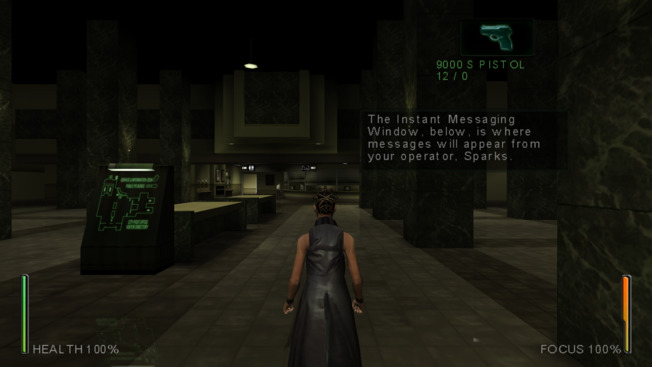
Supported exe version:
Any
Installation:
- Download and extract the archive to the game directory, where the exe is located.
- Check the download link below for all available features.
Notes:
- Use MatrixOptions.exe to select resolution and other settings.

- Download and extract the archive to the game directory, where the exe is located.
- Check the download link below for all available features.
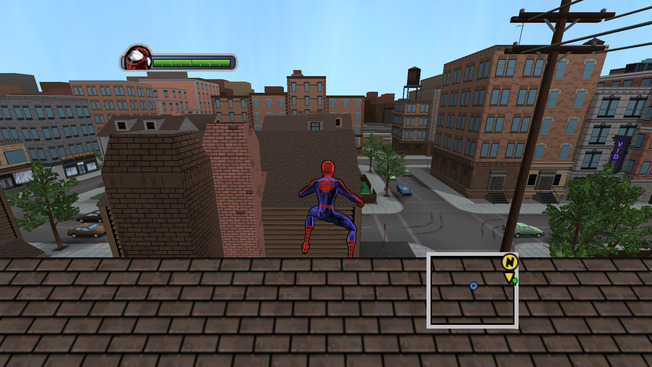
Supported exe version:
Any
Installation:
- Download and extract the archive to the game directory, where the exe is located.
- Check the download link below for all available features.
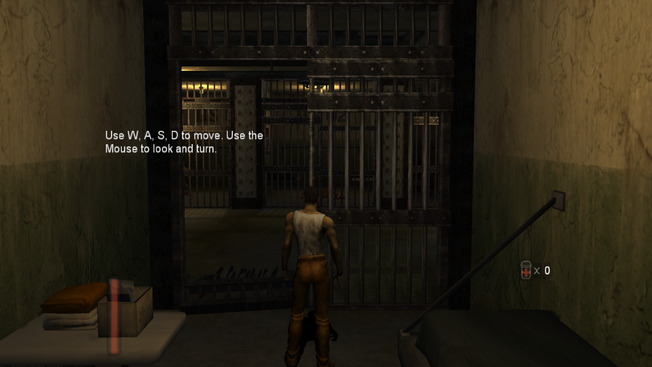
- Download and extract the archive to the game directory, where the exe is located.
- Check the download link below for all available features.
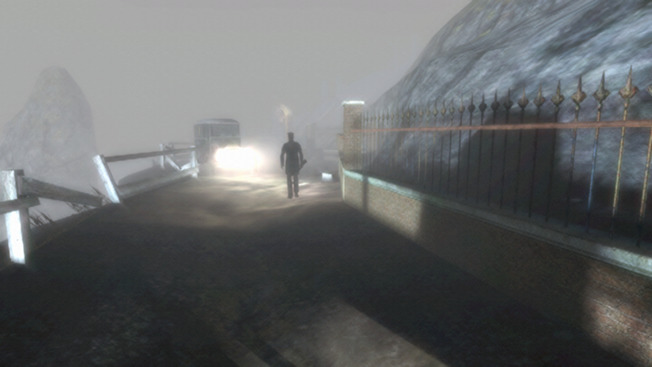
- Download and extract the archive to the game directory, where the exe is located.
- Check the download link below for all available features.
Supported exe version:
Any
Installation:
- Download and extract the archive to the game directory, where the exe is located.
- Check the download link below for all available features.
Notes:
- The "Effect" option could not be scaled properly, so it was disabled.
- Press Alt+Enter to switch between fullscreen and windowed mode.
- Download and extract the archive to the game directory, where the exe is located.
- Download Manhunt Audio Fix and extract to scripts directory.
- Download and extract Widescreen Frontend Textures to the game directory (optional).
- Check the download link below for all available features.
- Download and extract the archive to the game directory, where the exe is located.
- Check the download link below for all available features.
- Download and extract the archive to the game directory, where the exe is located.
- Check the download link below for all available features.
Supported exe version:
Any
Installation:
- Download and extract the archive to the game directory, where the exe is located.
- Check the download link below for all available features.

Supported exe version:
Any
Installation:
- Download and extract the archive to the game directory, where the exe is located.
Notes:
- Some rendering issues are visible in widescreen.
- Download and extract the archive to the game directory, where the exe is located.
- Check the download link below for all available features.
Supported exe version:
Any
Installation:
- Download and extract the archive to the game directory, where the exe is located.

- Download and extract the archive to the game directory, where the exe is located.
- Check the download link below for all available features.
Notes:
- Patched rw_data.dll for mods is included.
- Draw distance options available via ini.
- FPS limiter available via ini.
- Download and extract the archive to the game directory, where the exe is located.
- Check the download link below for all available features.
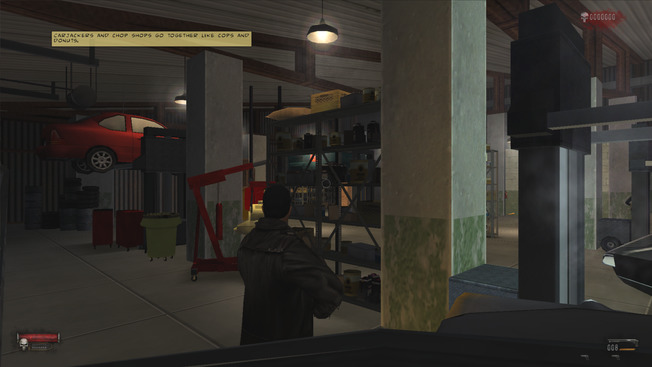
Supported exe version:
Any
Installation:
- Download and extract the archive to the game directory, where the exe is located.
- Check the download link below for all available features.
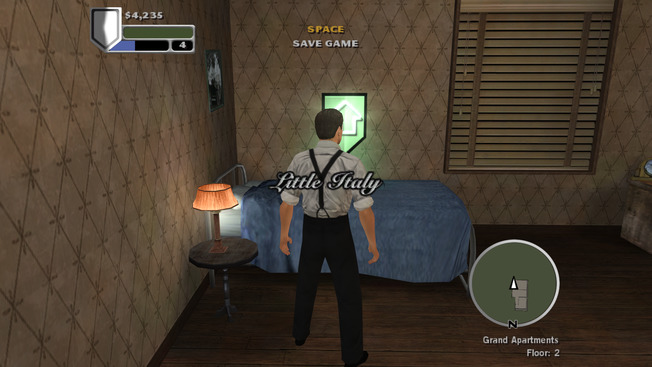
- Download and extract the archive to the game directory, where the exe is located.
- Download SilentPatchGF and extract to the game directory.
- Check the download link below for all available features.
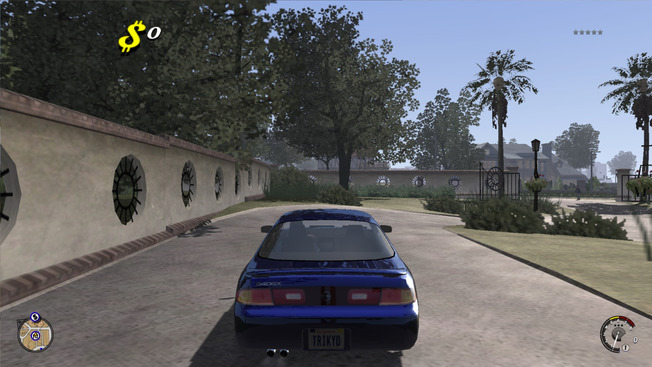
Supported exe version:
Any
Installation:
- Download and extract the archive to the game directory, where the exe is located.
- Check the download link below for all available features.
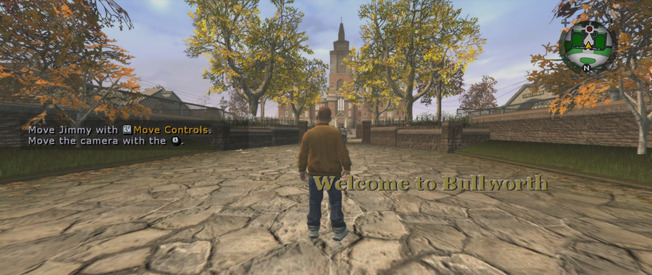
- Download and extract the archive to the game directory, where the exe is located.
- Download SilentPatchBully and extract to the game directory.
Supported exe version:
Any
Installation:
- Download and extract the archive to the game directory, where the exe is located.
- Check the download link below for all available features.
Notes:
- Decreasing the FOV multiplier is recommended to hide rendering issues.
Supported exe version:
Any
Installation:
- Download and extract the archive to the game directory, where the exe is located.
- Check the download link below for all available features.

- Download and extract the archive to the game directory, where the exe is located.
- Check the download link below for all available features.

- Download and extract the archive to the game root directory.
- Download Widescreen FMVs and extract to the root directory.
- Download SilentPatchFarCry and extract to the root directory.
- Check the download link below for all available features.
Notes:
- Works with both x86 and x64 versions of the game.
- Plugin also switches windowed mode to borderless windowed.
- Download and extract the archive to the game directory, where the exe is located.
- Check the download link below for all available features.
- Download and extract the archive to the game directory, where the game exe is located.
- Includes dgVoodoo to fix some game issues. However, dgVoodoo introduces more issues like invisible cutscene borders and crashes after loading a level, so you might not want to use it.

Supported version:
Exe - Any
Installation:
- Download and extract the archive to the game directory, where the game exe is located.
- Includes dgVoodoo to fix some game issues. However, dgVoodoo introduces more issues like invisible cutscene borders and fading, so you might not want to use it.
- Download and extract PCSX2 Fork With Plugins.
- Download and extract the archive to the root directory, where exe is located.
- Change the aspect ratio or window size of the emulator, set FMV Aspect Ratio Override option to Off.
- Launch the game.
Supported exe version:
Any
Installation:
- Download and extract the archive to the 'Game' folder, where the exe is located.
- Check the download link below for all available features.

Supported exe version:
Any
Installation:
- Download and extract the archive to the 'Game' folder, where the exe is located.
- Check the download link below for all available features.
Supported exe version:
Any
Installation:
- Download and extract the archive to the 'Game' folder, where the exe is located.
- Check the download link below for all available features.
deprecated
Supported exe version:
Any
Installation:
- Download and extract the archive to the 'Game' folder, where the exe is located.
- Check the download link below for all available features.
Notes:
- Use Tony Hawk's™ Pro Skater™ 3 + 4 instead.

deprecated
Supported exe version:
Any
Installation:
- Download and extract the archive to the 'Game' folder, where the exe is located.
- Check the download link below for all available features.
Notes:
- Use Tony Hawk's™ Pro Skater™ 3 + 4 instead.
deprecated
Supported exe version:
Any
Installation:
- Download and extract the archive to the 'Game' folder, where the exe is located.
- Check the download link below for all available features.
Notes:
- Use Tony Hawk's™ Pro Skater™ 1 + 2 instead.

- Download and extract the archive to the game directory, where the exe is located.
- Check the download link below for all available features.
Notes:
- Unlocks delisted DLC
- Ultrawide support
- Extraction, Hunter and Ghost game modes modifications
- Skip intro, disable negative mouse acceleration and more...

- Download and extract the archive to the game directory, where the exe is located.
- Check the download link below for all available features.
- Download and extract the archive to the game directory, where the exe is located.
- Tiny Skip Intro and Legal Screens Plugin
Supported exe version:
Any
Installation:
- Download and extract the archive to the game directory, where the exe is located.
- FOV Fix (Hor+ for all aspect ratios)
- Internal Resolution option (supersampling/downscaling)
- V-Sync toggle
- Skip Intro
- HUD scaling fix
- Download and extract the archive to the game directory, where the exe is located.
- Check the download link below for all available features.
- FOV Fix (Hor+ for all aspect ratios)
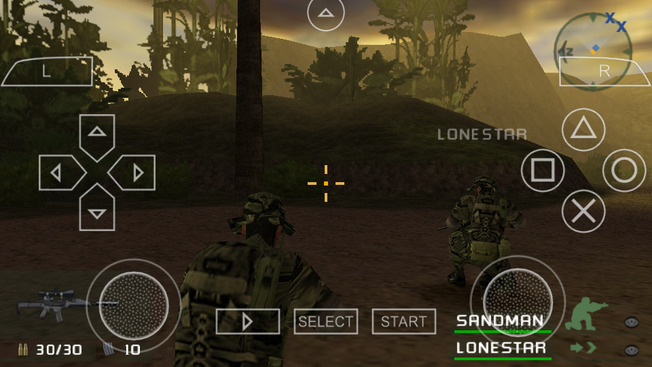
Supported version:
Any (tested on UCUS-98615)
Installation:
- Download and extract the archive to the directory, where PPSSPP's memstick folder is located.
- Check the download link below for all available features.
- Launch the game.
- Skip Intro.
- Dual Analog support.
- Improved loading speed.
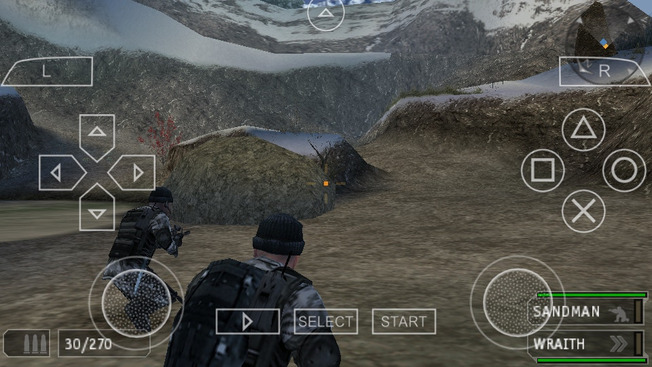
Supported version:
UCUS-98645
Installation:
- Download and extract the archive to the directory, where PPSSPP's memstick folder is located.
- Check the download link below for all available features.
- Launch the game.
- Skip Intro.
- Dual Analog support.
- Improved loading speed.
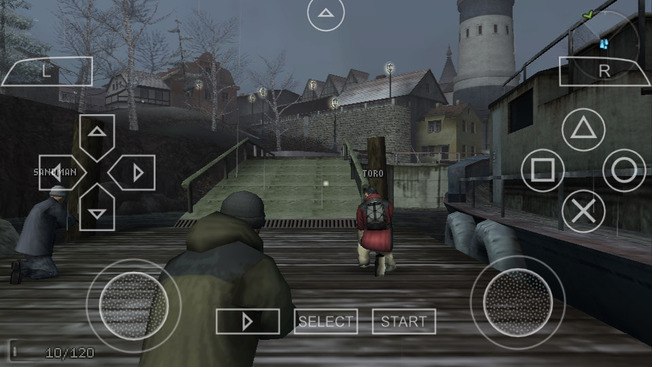
Supported version:
Any (tested on UCUS-98716)
Installation:
- Download and extract the archive to the directory, where PPSSPP's memstick folder is located.
- Check the download link below for all available features.
- Launch the game.
- Skip Intro.
- Dual Analog support.
- Improved loading speed.
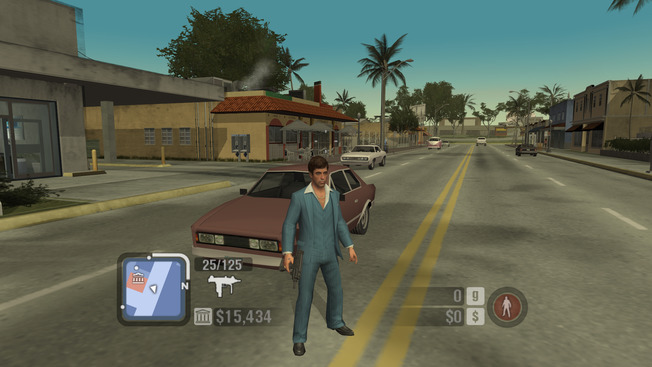
Supported exe version:
Any
Installation:
- Download and install SilentPatch.
- Download and extract the archive to the game directory, where the exe is located.
Proper camera movement with mouse, gamepad support (via Xidi), modern gamepad controls (Brake/Accelerate and Aim/Shoot with Triggers).
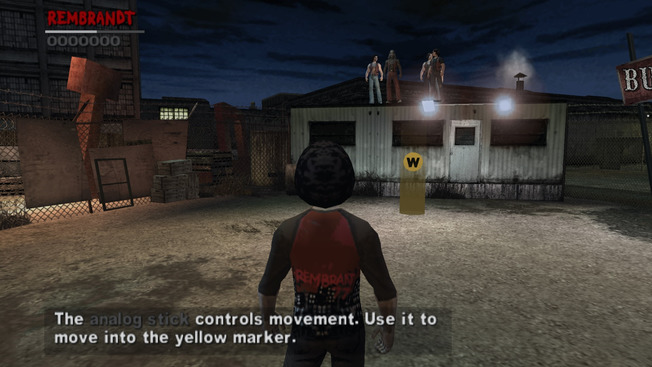
- Download and extract the archive to the directory, where PPSSPP's memstick folder is located.
- Check the download link below for all available features.
- Launch the game.
- Skip Intro.
- Dual Analog Patch, 60 fps.
- Adds an option to fix incorrect aspect ratio.

- Download and extract the archive to the game directory, where the exe is located.

Project2DFX is a set of plugins for GTA III, Vice City, San Andreas, Liberty City Stories, Vice City Stories and GTA IV: The Complete Edition which adds LOD corona effect to a game map, making LOD-world look a lot better. It also includes an open source Limit Adjuster to enhance and improve certain game limits.
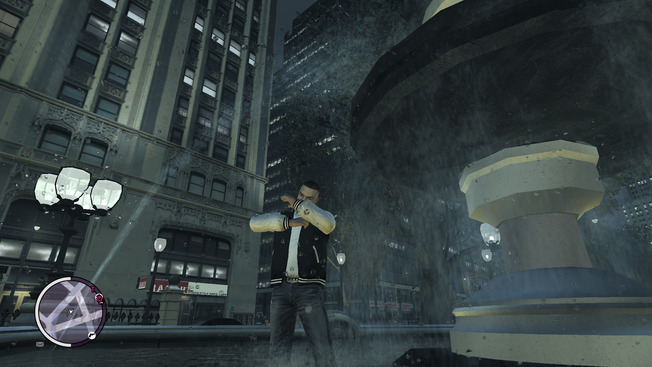
Enhanced implementation of xbox rain droplets from SkyGFX for other games. Various ini settings allow to customize the appearance and can be edited while in game.
